Specifying Security Settings
Access the Security Settings page by selecting and from the left panel choosing Search Definition. Select the Security tab.
This example illustrates the fields and controls on the Security Settings page. You can find definitions for the fields and controls later on this page.
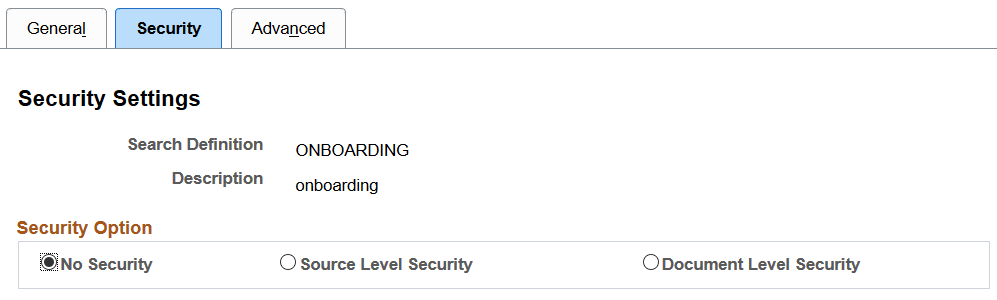
The Security page enables you to restrict access to data generated by a search definition. Depending on the sensitivity of the data, you can set these degrees of security:
| Field or Control | Description |
|---|---|
|
No Security |
Select to define no security restriction for a search definition's data. Anyone with access to the application can view the data for a search definition set to No Security. That is, the data is public to all users. |
|
Source Level Security |
Select to allow or restrict access to the entire search definition as per the specified user or role. That is, only specified users and roles are able to view data generated by that search definition. |
|
Document Level Security |
Select to restrict access to specific data generated by a search definition. That is, with document level security, users can view data generated by that search definition to which they have access. Note: This is generally referred to as row-level security in PeopleSoft applications. |