Testing Suggestions Search
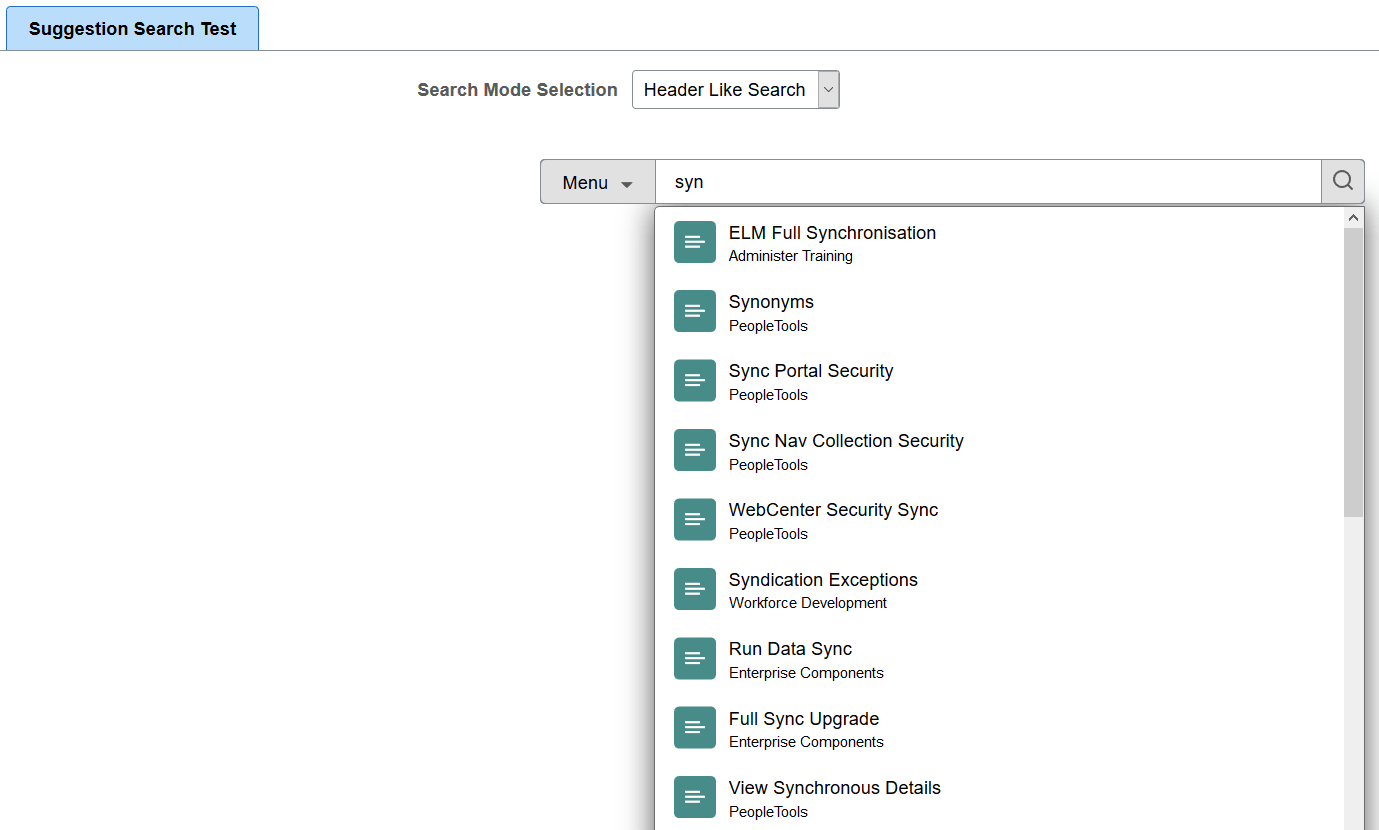
Search Framework provides the Suggestion Search Test page to simulate the suggestions list functionality that is available on the homepage and in transaction pages.
Access the Suggestion Search Test page by selecting .
This example illustrates the fields and controls on the Suggestion Search Test page. You can find definitions for the fields and controls later on this page.
| Field or Control | Description |
|---|---|
|
Search Mode Selection |
You can use this page to simulate several use cases, such as:
|