Working With Display Fields
Access the Display Fields page by selecting and selecting the Display Fields tab.
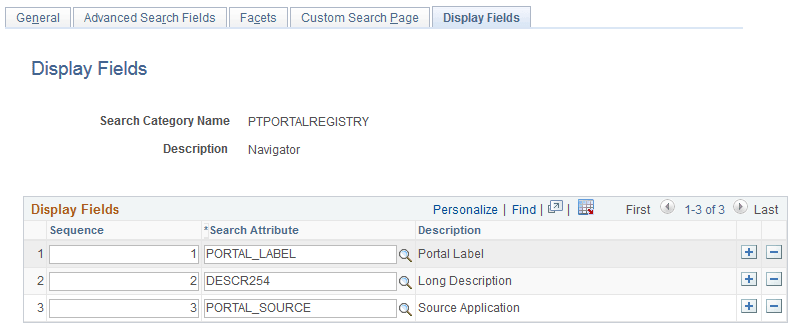
This example illustrates the fields and controls on the Display Fields page. You can find definitions for the fields and controls later on this page.
| Field or Control | Description |
|---|---|
|
Sequence |
Use the Sequence edit box to specify the order in which the display fields appear. |
|
Search Attribute |
Select the search attribute from the drop-down list. |