Deleting Expired Tokens
Use the Automated Expired Token Setup page to automatically delete expired access tokens stored in the database. The next subsequent call to get an access token and refresh token if available will make a call to the authentication server to retrieve a valid access token and an updated refresh token.
Access the Automated Expired Token Setup page (select ).
This example illustrates the fields and controls on Automated Expired Token Setup page.
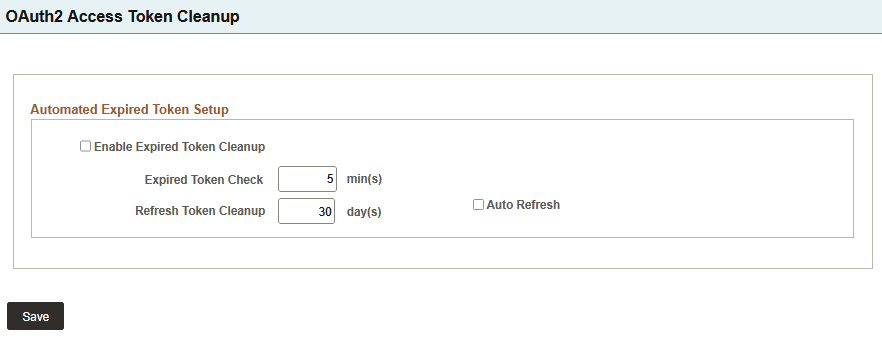
| Field or Control | Description |
|---|---|
|
Enable Expired Token Cleanup |
Check box to turn on and off the process to clean up expired access tokens. |
|
Expired Token Check |
The time interval between checks for expired access tokens. |
|
Refresh Token Cleanup |
Removes refresh tokens if the last request to retrieve an access token is longer than the specified days. |
|
Auto Refresh |
Automatically update any expired access token and refresh token, if the Service Application is configured for refresh. This increases efficiency by replacing tokens as they expire rather than when a call is made to invoke the service. |