Requesting Emails for Forgotten User IDs
An end user supplies an email address on the Forgotten User ID page, and receives an email with the associated user ID.
This assumes that the security administrator has completed the requirements for the user profile and web site as described in the preceding sections.
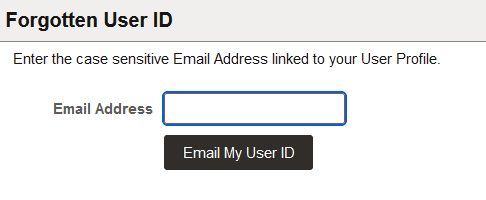
This example illustrates the Forgotten User ID page.
To request a forgotten user ID:
-
Access the link as provided by the security administrator.
-
Enter the email address associated with your user profile.
-
Click Email My User ID.
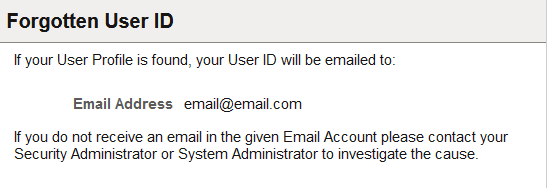
For security purposes no indication is provided if a user enters a correct email address or an incorrect email address. If an incorrect email address is entered, you see the following page.
This example illustrates the Forgotten User ID message.