Running User ID Queries
Access the User Profiles - User ID Queries page (select and click the User ID Queries tab).
This example illustrates the fields and controls on the User Profiles - User ID Queries page.
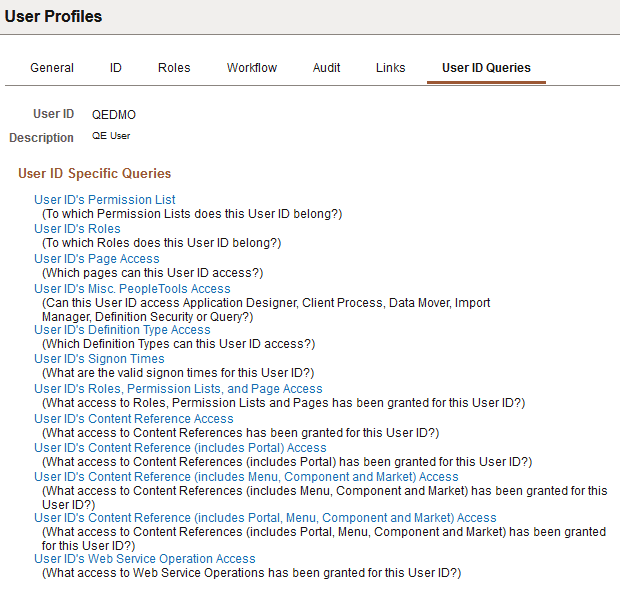
User ID queries enable you to run queries that provide detailed information about a user profile, such as the permission lists and roles associated with the user profile. The available queries are documented on the page.
To run a user ID query:
-
Click the link associated with the query that you want to run.
This action invokes a new browser window.
-
View the information that the query returns to the new browser window or select a download option.
For downloading, you have the following options:
-
Excel Spreadsheet: Downloads the query results as an Excel spreadsheet (.xls) file.
-
CSV Text File (comma-separated values text file): Downloads the query results as a CSV (.csv) file.
-
XML file: Downloads the query results as an xml (.xml) file.
-