Using the Definition Group Search Page
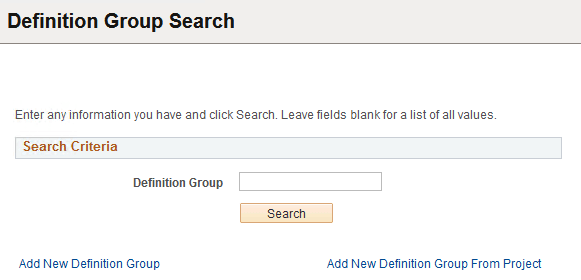
Use the Definition Group Search page (PTDEFSECSRCH) to:
-
Search for a definition group.
-
Access the Add New Definition Groups page to add a definition group.
-
Access the Add New Definition Group from Project page to add a definition group from a project.
-
Delete a definition group.
To access the page select
This example illustrates the fields and controls on the Definition Group Search page. You can find definitions for the fields and controls later on this page.
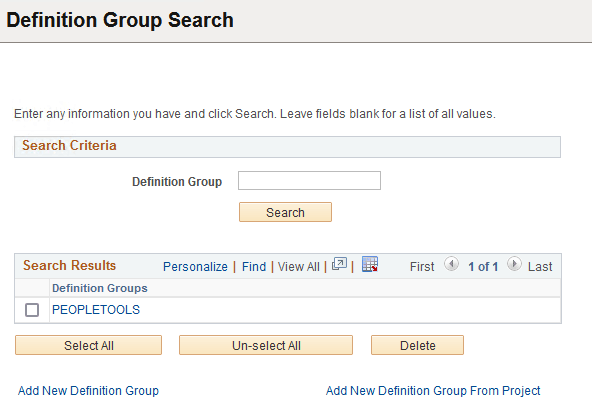
This example illustrates the Definition Group Search page showing the results of a search of the database for all definition groups.
| Field or Control | Description |
|---|---|
|
Definition Group |
Enter the name of the definition group to search. Leave the field empty to search the database for all definition groups in the system. |
|
Search |
Click the Search button to perform the search. |
|
Search Results grid |
Displays the results of the search. |
|
Add New Definition Group |
Click the link to access the Add New Definition Group page to add a new definition group to the system. |
|
Add New Definition Group from Project |
Click the link to access the Add New Definition Group From Project page to add a new definition group from an PeopleSoft Application Designer project. |
Related Topics