Using the Definition Types Page
Use the Definition Types page (PTDEFSECTYP) to enable Secure by Default and set row-level security for definition types.
To access the page select
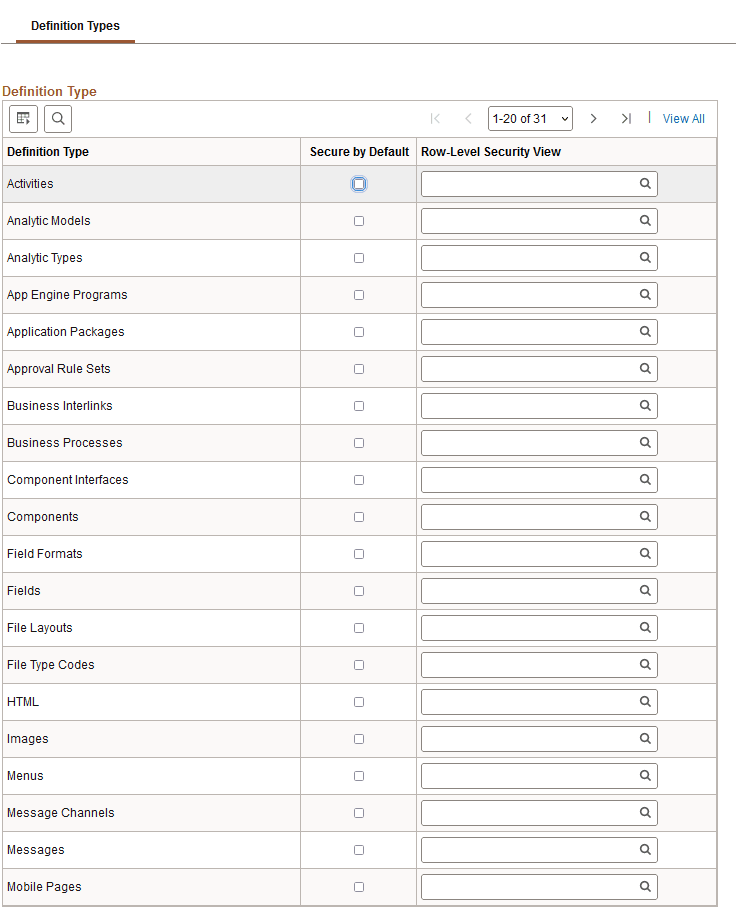
This example illustrates the fields and controls on the Definition Types page. You can find definitions for the fields and controls later on this page.
| Field or Control | Description |
|---|---|
|
Definition Type |
Displays the name of the definition type. |
|
Secure by Default |
Select the box to enable Secure by Default for the definition type. When you select this control the definitions of the definition type are accessible only to those given access. |
|
Row-Level Security View |
From the drop-down list, select the record to which to apply row-level security. Note that only dynamic view records are available to select. |