Using the Unsecured Definitions Page
Use the Unsecured Definitions page (PTDEFSEC_UNSECURED) to view unsecured definitions for a definition type.
To access the page select and click the Unsecured Definitions tab.
This example illustrates the fields and controls on the default view of the Unsecured Definitions page. You can find definitions for the fields and controls later on this page.
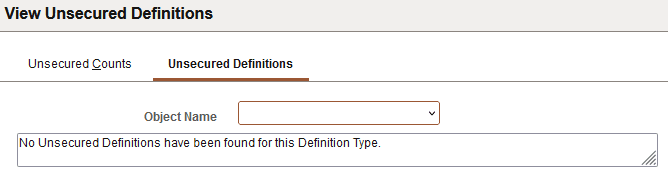
The previous example shows the default view of the Unsecured Definitions page. By default, no definition type or object name is selected and no unsecured definitions display on the page.
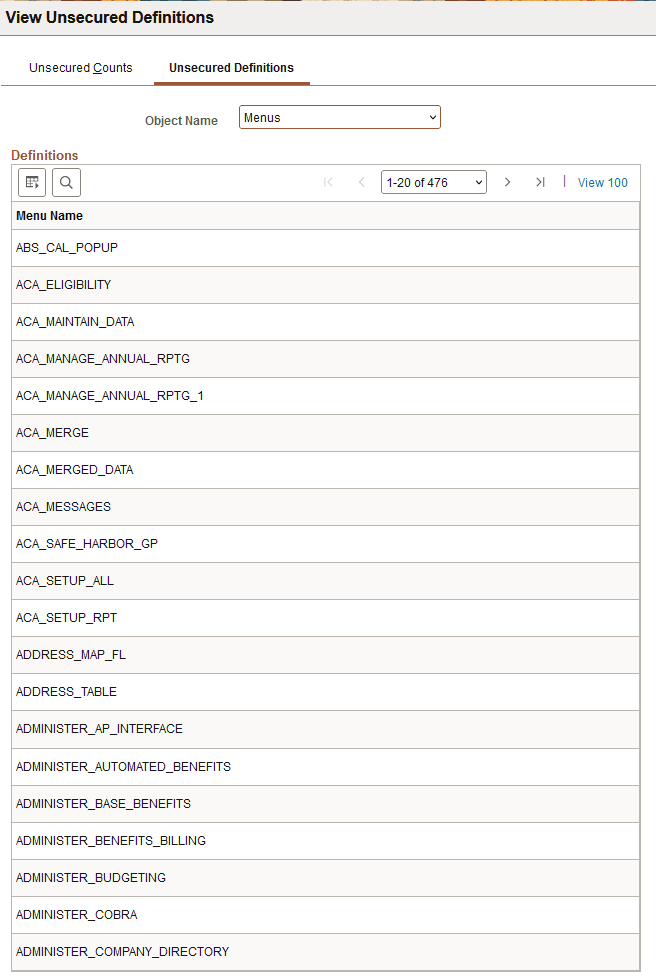
This example illustrates the fields and controls on the Unsecured Definitions page when an object name is selected. You can find definitions for the fields and controls later on this page.
| Field or Control | Description |
|---|---|
|
Object Name |
From the drop-down list, select a definition type. |
|
<Definition> Name |
Displays definitions in the database that are not secured by definition security. |