Assigning Trading Partner Conversion IDs
Select to access the Conversion Type Definition page.
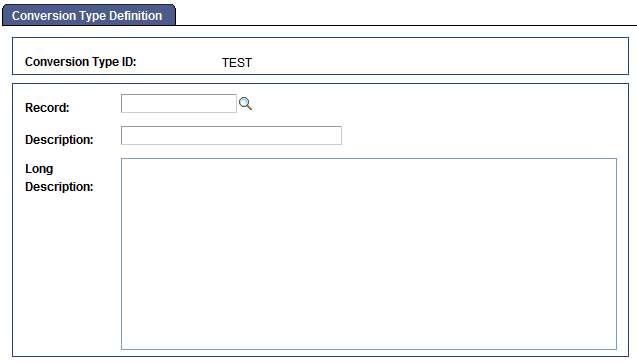
This example illustrates the fields and controls on the Conversion Type Definition page.
To identify a database table whose values need to be converted:
-
Select
-
Enter a conversion type ID or search for an existing one.
You can also search for the record name.
-
Enter the record name of the table whose values you want to convert and enter a description.
You can enter a description in the Description text box, the large edit box, or both.
-
Save the page.