Deleting EDI Manager Objects
To access the Ec Delete page, select .
This example illustrates the fields and controls on the Ec Delete page.
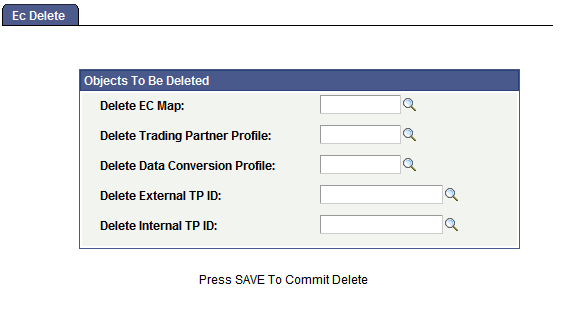
To delete EDI Manager objects, select the objects to be deleted in the appropriate field list, and then click Save to delete the selected objects.