Delete Orphan Files (Batch)
Select Search for an existing Run Control ID or add a new value to access the Delete Orphan Files (Batch) page.
This page enables you to run a CleanAttachments process via the CLEANATT84 Application Engine program on the Process Scheduler. This ensures that a large CleanAttachments job does not terminate prematurely due to PIA time-out.
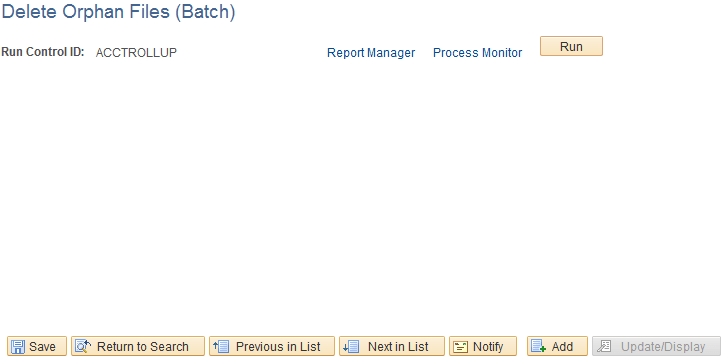
This example illustrates the fields and controls on the Copy File Attachments (Batch) page.
| Field or Control | Description |
|---|---|
|
Report Manager |
Click this to view all of the reports that are in the PeopleSoft system (across multiple databases) that the user is authorized to access. |
|
Process Monitor |
Click this to review the status of scheduled or running processes. |
|
Run |
Click this to access the Process Scheduler Request page. Select the process and click OK to delete. |