Run PeopleSoft Ping
To use the PeopleSoft Ping feature, select
This example illustrates the fields and controls on the PeopleSoft Ping page. You can find definitions for the fields and controls later on this page.
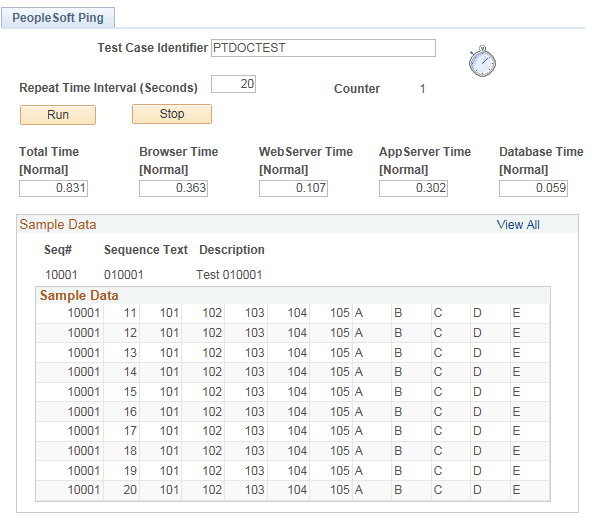
Enter a Test Case Identifier to uniquely group each set of metrics. For Repeat Time Interval, enter an increment for the ping to run. To avoid creating unnecessary traffic and overhead to the PeopleSoft system, set the Repeat Time Interval to a relatively high value, such as 600 to 1800 seconds, during normal operations. You may need to increase the Session Timeout value accordingly.
Select View All to display all the results.
Depending on the targets set on the PeopleSoft Ping Options page, the fields for total time and tiers are marked as Normal, Alert, or Warning. The page displays results for Total Time, Browser Time, WebServer Time, AppServer Time, and Database Time.