Managing Persistent Variables
Use the Manage Persistent Variables page (PSPTTSTPERVAR) to modify or delete persistent variables.
Navigation:
This example illustrates the fields and controls on the Manage Persistent Variables page.
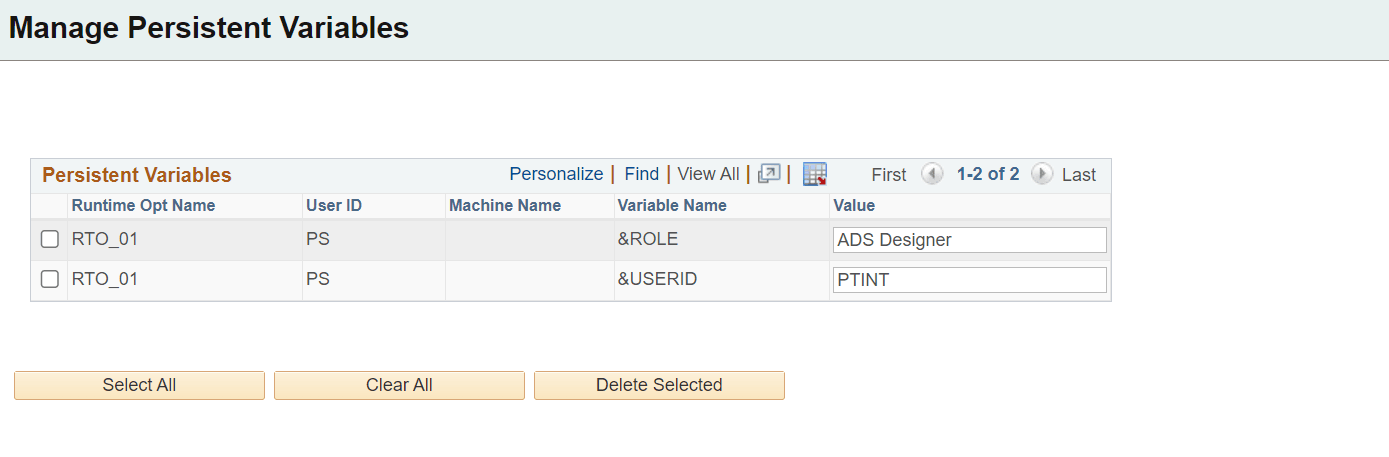
This page will list all the persistent variables stored in the database. The variable is stored when the test writes the variable to the database.
The variable is always stored with the name of the runtime option. The User ID and Machine Name are dependent on the selection you made for the persistent variable on the Advanced Options page of the Runtime Options.
You can delete persistent variables or modify the variable value.