Organizing Trees
Use the Tree Manager search page to organize trees and narrow search criteria by assigning trees to categories that you define.
Navigation:
This example illustrates the fields and controls on the Tree Manager search page.
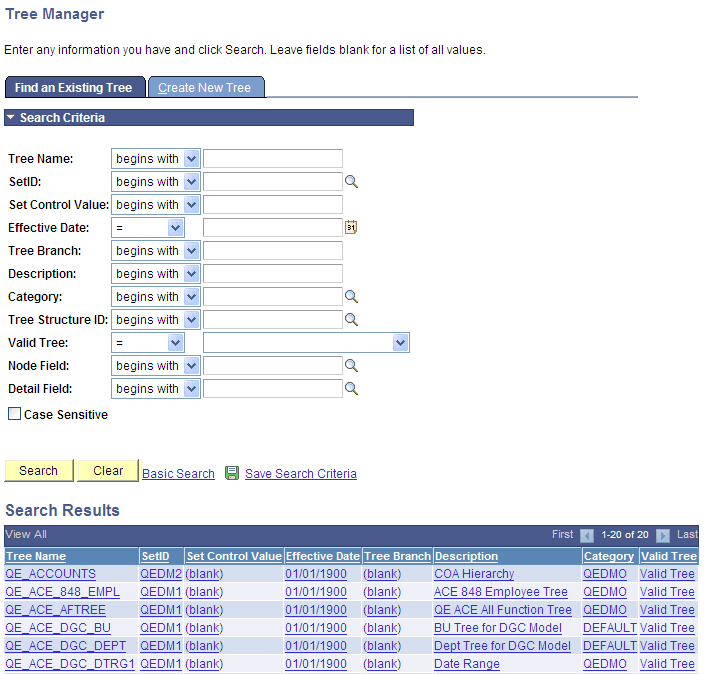
Categories are defined on the Tree Definition and Properties page. Categories must conform to the same character limitations as the tree name. Category names cannot exceed 18 characters and should not contain special characters such as /, \, *, :, “, <, >, and |.
Note:
There are no edit checks to verify a category’s existence – if the category does not exist, PeopleSoft Tree Manager adds a new one.