Viewing Trees
Use the Tree Viewer page (PSTREEVIEWER) to view a tree.
Navigation:
This example illustrates the fields and controls on the Tree Viewer page.
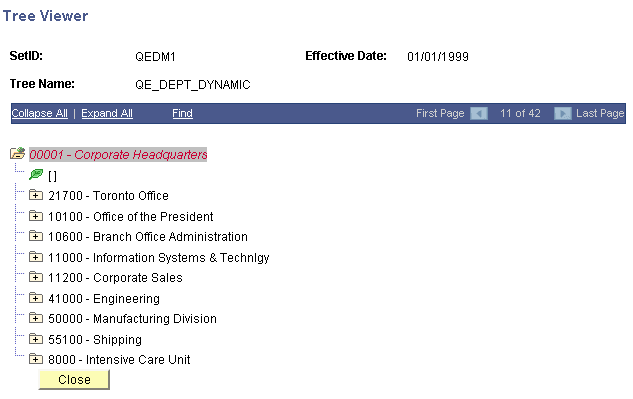
After viewing the tree information, click the Close button to return to the Tree Maintenance page.
Note:
Trees displayed in view mode do not differentiate between standard nodes and branches. All nodes expand and collapse so that you can view the whole tree. Use the Expand Node Hierarchy icon to expand all child nodes.
If the multiuser environment is enabled, users will not be able to delete a tree if any branch of the tree – or the tree itself – is checked out by any user.