Defining the Additional Recipients List
To access the Additional Recipient List page, select PeopleTools, Workflow, Notifications, Component Template Variables, Additional Recipient List.
This example illustrates the fields and controls on the Additional Recipient List page.
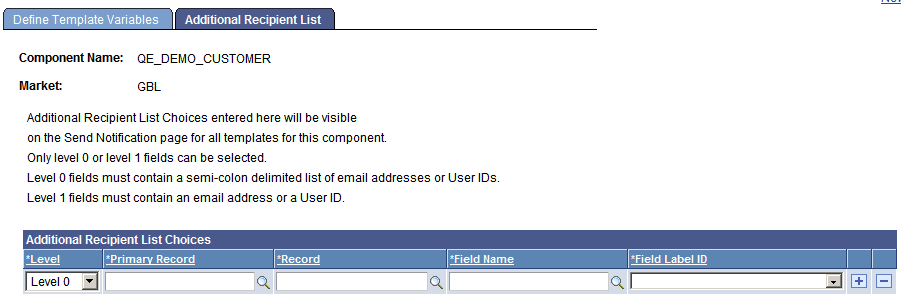
After the values are specified on this page, the additional recipient list appears on the Notification page when a notification is sent. Then users can select values from the additional recipient list for the To, CC, or BCC fields.
| Field or Control | Description |
|---|---|
|
Level |
Select Level 0 or Level 1. |
|
Primary Record |
For level 1, this is usually the name of the primary record on the grid or scroll area. For level 0, this is the same as the record name. |
|
Record |
Specify the name of the record containing the field that stores the list. |
|
Field Name |
Specify the name of the field that stores the list. |
|
Field Label ID |
Select the label that the user sending the notification sees in the additional recipients list. |
Note:
Users should enter notification recipient names in the format Last_Name,First_Name.