Request and Access Read-Only Starter Configuration
Use the read-only Starter Configuration to explore business processes in a preconfigured environment with sample data and predefined use cases. The read-only Starter Configuration is not available for EPM.
Unlike a deployed Starter Configuration, the read-only environment does not save any changes, enabling you to safely navigate and understand end-to-end business flows.
Use the read-only Starter Configuration to:
- Explore end-to-end business processes without impacting data.
- Understand how roles (personas) interact across workflows.
- Replay predefined use cases using sample data.
- Familiarize yourself with the application before requesting your own environment.
Access the Read-Only Starter Configuration
Access to the read-only Starter Configuration lasts until the environment is refreshed on the following Saturday. After the refresh, you can request access again. You receive in-app notifications and emails when you request access and when access is granted.
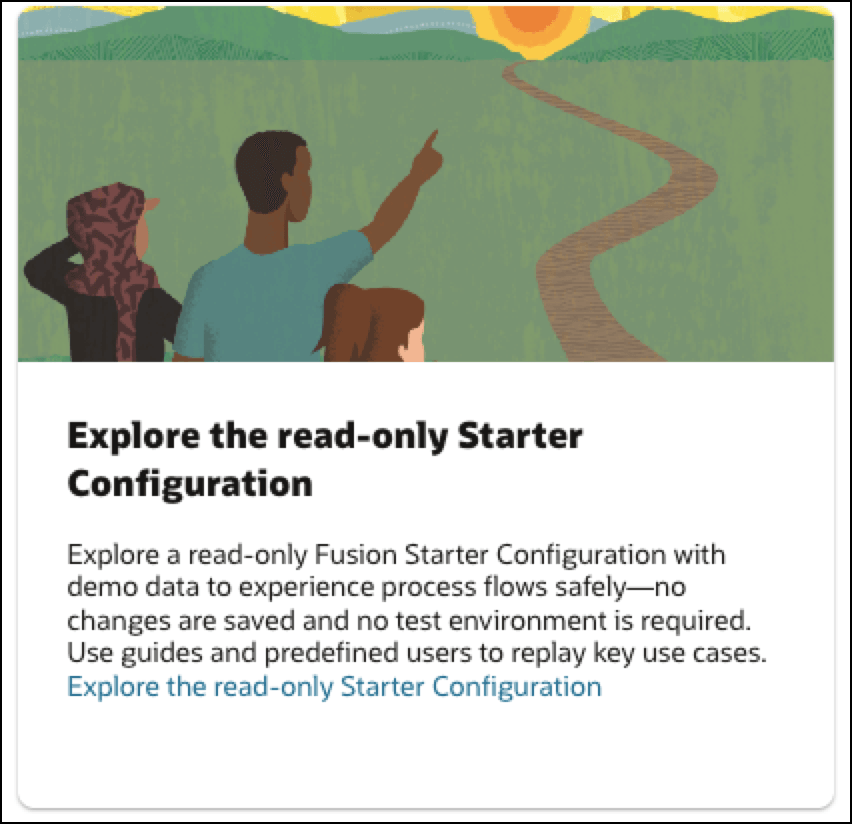
- Go to the Starter Configuration Journey topic in the Mobilize stage, and then select Explore the read-only Starter Configuration.
- Select Request Starter Configuration Environment.
Tip: It can take several minutes before you can access the environment. you can review the available use cases by selecting View Details in the Use cases section.
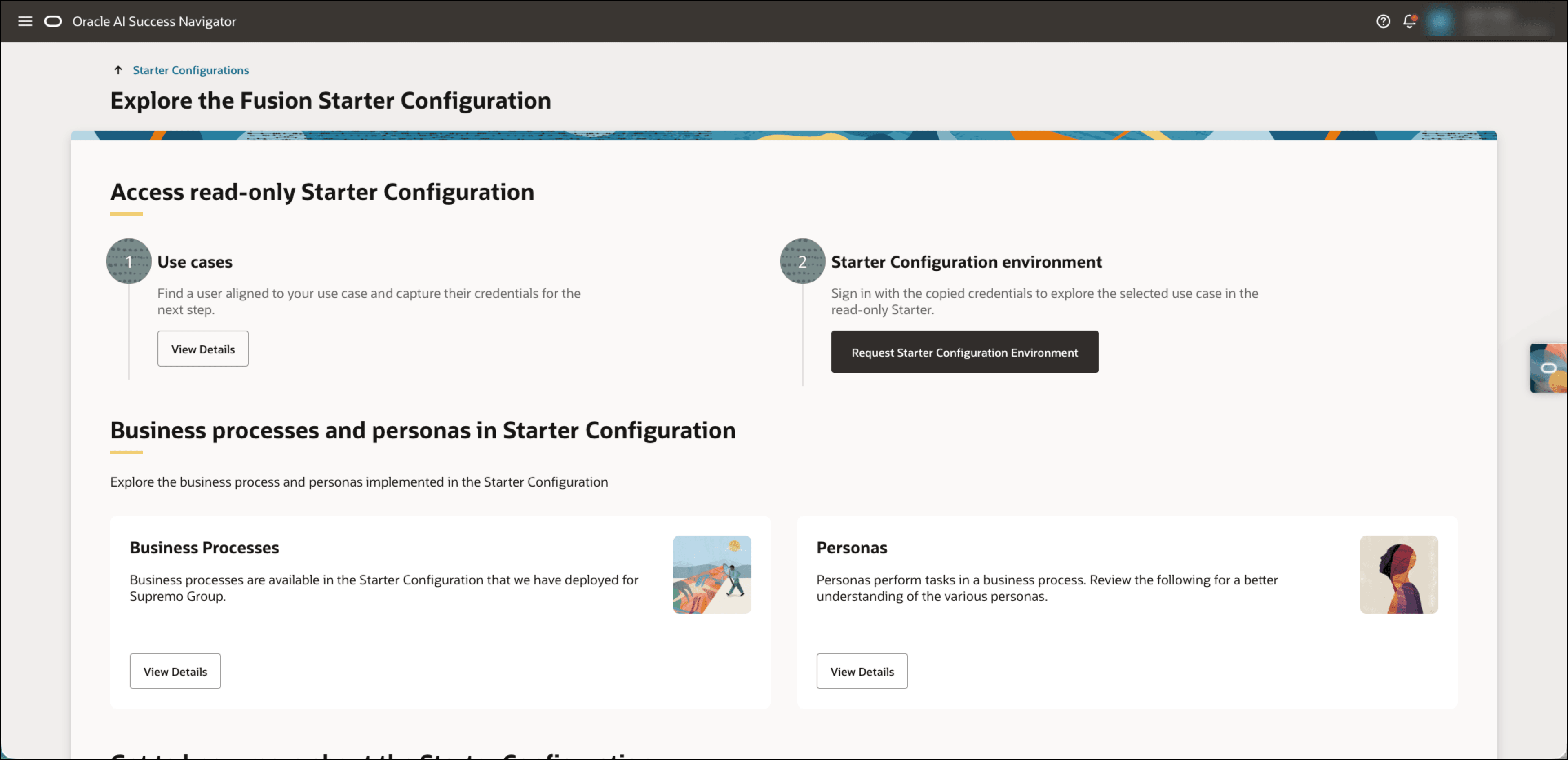
- After access is granted, return to the Access read-only Starter Configuration page, and then select Access Starter Configuration Environment.
Explore the Read-Only Starter Configuration
After you are granted access, use the read-only Starter Configuration to:
- Navigate end-to-end business flows.
- Review transactions and process steps.
- Use Oracle Guided Learning to follow guided scenarios.
- Explore how different personas perform tasks across processes.
Key characteristics of Read-Only Starter Configurations
The read-only Starter Configuration has these key characteristics:
- Changes are not saved.
- The environment uses predefined configurations and sample data.
- The environment provides access to predefined use cases.
- Personalization and data upload are not supported.