Get Help
There are several ways to learn more about Success Navigator, get support, and interact with Oracle and other users.
Get Help in Success Navigator
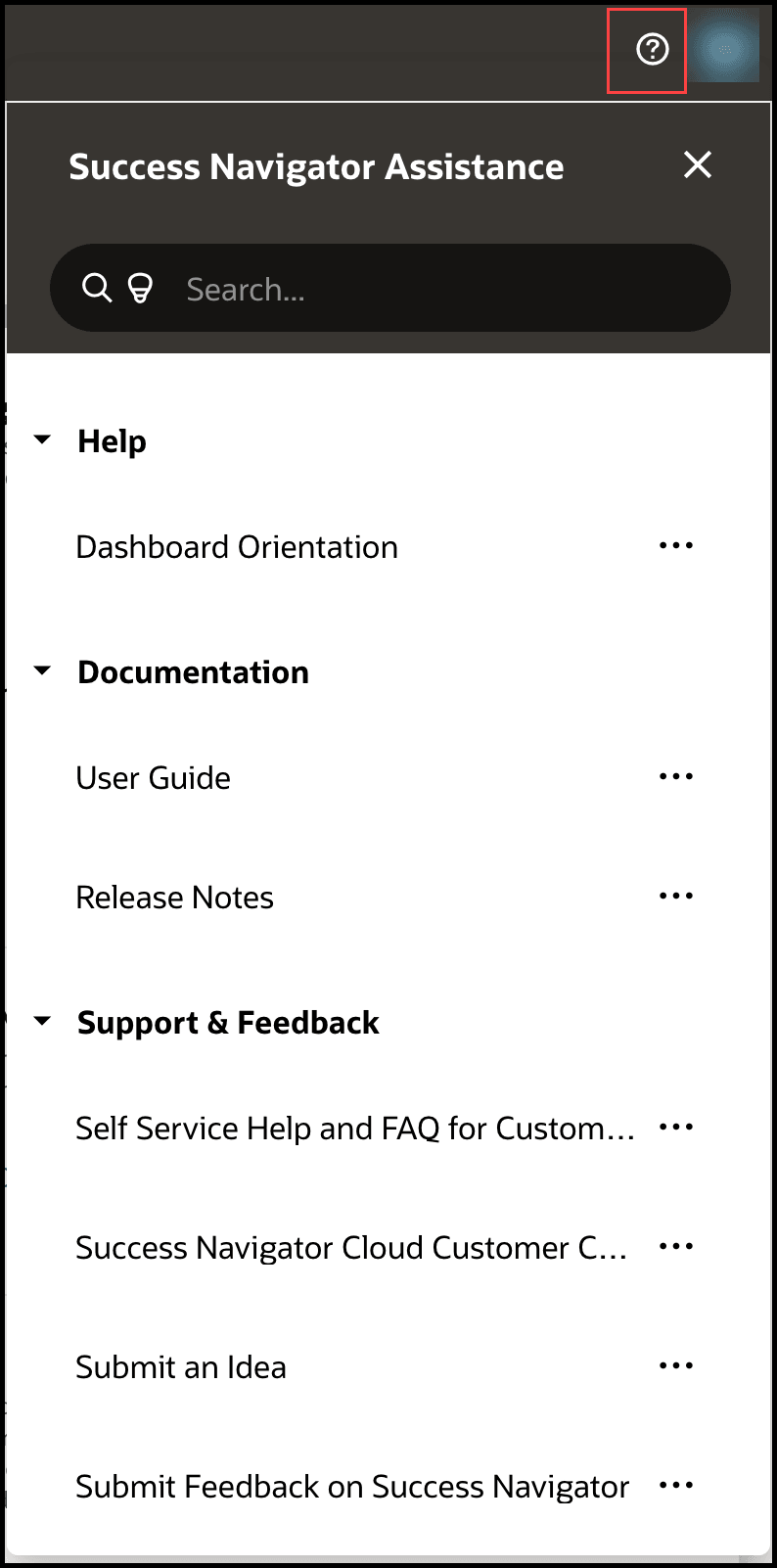
Success Navigator provides various options to get help, including from the  help menu at the top right of the application and AI Assist
  . The help menu includes consolidated access to contextual in-app help, AI Assist resources, documentation and training, support, and FAQs. You can also find links to join the community in Cloud Customer Connect, submit enhancement requests and feedback to the Idea Lab, and provide feedback about the platform through Submit Feedback.
AI Assist brings the collective knowledge and intelligence of Oracle directly to your team through the power of generative AI. AI Assist is designed to help you make faster, smarter decisions with confidence. For details and suggestions, use the interactive guides in the help menu or review the Using AI Assist section.
Learn How to Use Success Navigator with Interactive In-App HelpThe Help on this Page section of the help menu shows all available interactive guides for the page you're on. These guides include interactive step-by-step and orientation guides to help you become familiar with the application. You'll also find tips  throughout the application.
The Help & Training section of the help menu includes:
- A detailed User Guide to help you understand how to use the application.
- Release Notes to acquaint you with new features and functionality.
- Enablement and reference content such as Success Navigator Essentials Training & Assessment and Starter Configuration Reference.
- FAQs by category to quickly answer your question.
- Submit Success Navigator support requests.
- Submit feedback about your experience with Success navigator.
- Access Cloud Customer Connect from the help menu to get information from industry experts at Oracle and in the partner community. You can join forums to connect with other customers, post questions, suggest ideas for product enhancements, and watch events.
- Share your thoughts on how we can improve Success Navigator. Select Submit an Idea to make enhancement requests in the Idea Lab for Success Navigator. In the Idea Lab, you can search for and review ideas already submitted by other users. You can interact with ideas to show your support by voting on the idea, adding comments, bookmarking the idea, and more.