Journeys
Journeys offer a centralized source for stage milestones, information, learning resources, activities, and resources to guide you during the implementation project. Each journey is divided into stages that include a collection of topics and content that align with milestones and key phases of an implementation project.
Success Navigator supports additional customized journeys. All customers can access the Foundational Journey, while customers with selected implementation partners can access an additional journey. Work with your implementation partner to identify if a customized journey is available. If you're interested in setting up a customized journey, reach out to your Oracle contact to initiate a conversation.
Access Your Journeys
You can access journeys from the home page or the menu.
- To access journeys from the home page, select Journey in the Implement section.
- To access journeys from the menu, select Cloud Journey.
Each stage in a journey is composed of three elements:
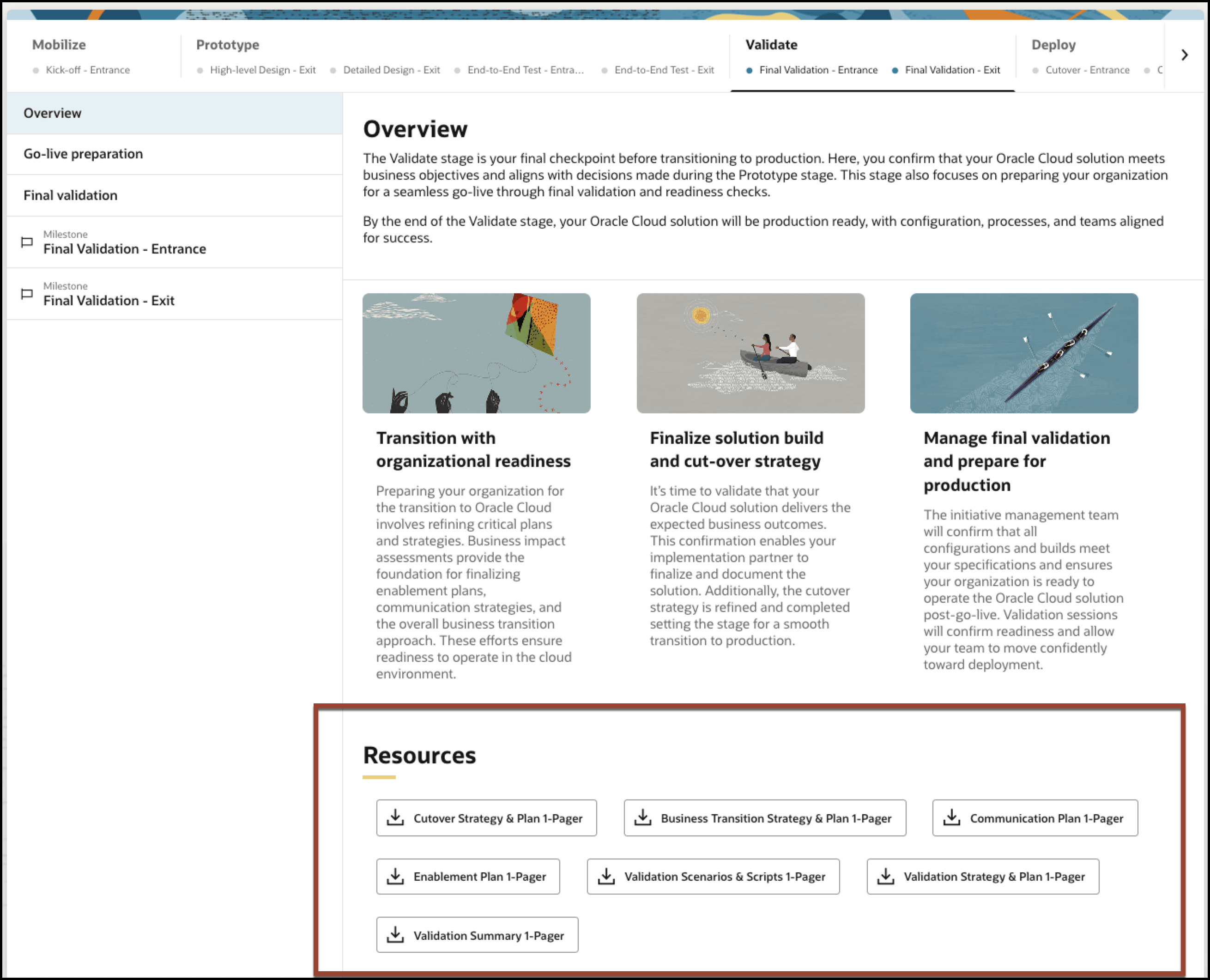
- An overview with summary information about the stage and the entire collection of downloadable resources for the stage.
- Topics that provide information about the activities typically needed within a stage.
- Milestones include assessments that help you gauge your progress on that milestone. Admins and Team Members can update these assessments. For details about working with assessments along with programs and projects, see Programs and Projects.
Download Resources in a Journey
Most topics in the journey include downloadable assets. The Overview topic in each stage shows all of the assets collected from the various topics. You can also access these resources in the Document Library.
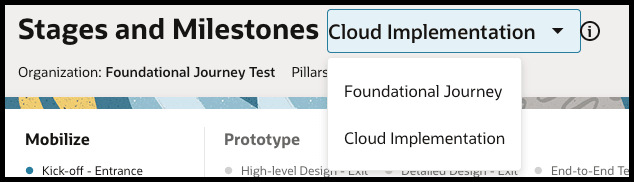
Switch Between Journeys
If your implementation partner has created a customized journey, you have access to two journeys: Foundational Journey and the customized journey. When you have access to more than one journey, the journey title includes a menu of those available to you.