Configure the Processing Region and Model
As an Agent Hub administrator, you can configure the processing region and large language model (LLM) that Agent Hub uses for orchestration and direct responses.
The models available for selection depend on the processing region. For information about how processing region and model configuration work together, see Understand Agent Hub Model Configuration.
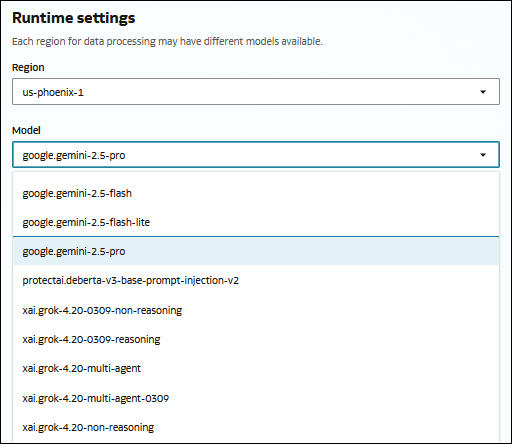
- In Model, select the model that you want Agent Hub to use.