How do I view different pages?
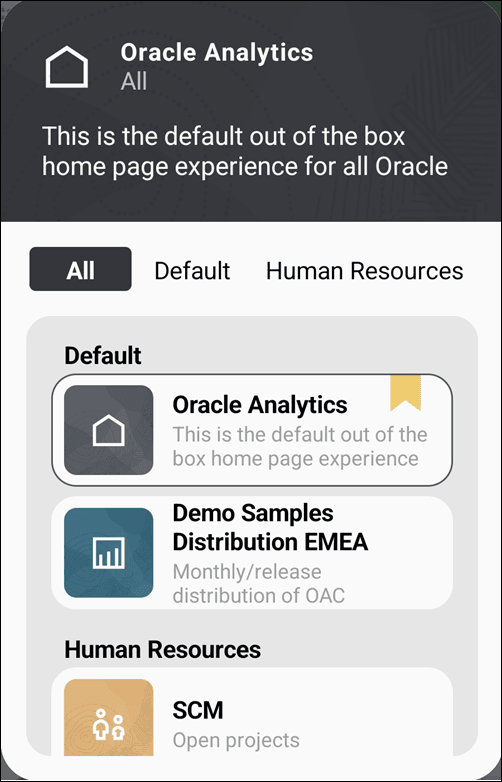
When you sign in to the mobile app, you see the default home page that was assigned in your Oracle Analytics Cloud instance.
If you have access to other pages, you can switch to one of them instead.
- Tap the page name that's displayed under your username.You see all the pages available to you, organized by category. Your default home page is identified with a home icon.