Set a Workbook as the Default Home Page
Set a workbook as the default home page for users to land on when they sign in to Oracle Analytics.
- On your Oracle Analytics home page, click Navigator
 .
. - Click Landing Page Management
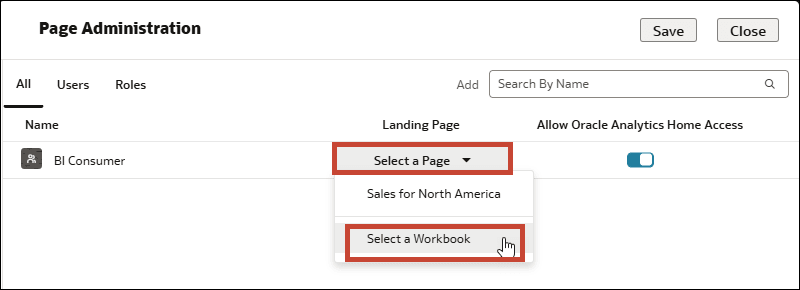
 to open the Page Administration dialog.
 - In the Add search bar, type a username or an application role and select the name from the drop down.
- In the table, find the row for the user or role you added. Under Landing Page, click Select a Page.
- Click Select a Workbook.
- In Select a Workbook, navigate to the workbook in Shared Folders, select it, and click OK.
- Click Save, then click Close.