Automatically Rename Presentation Columns
You can choose a presentation table and automatically rename all or selected presentation columns to user-friendly names.
Any presentation columns with the Use Logical Column Name field enabled aren't available to automatically rename. See Modify a Presentation Column Name.
- On your home page, click Navigator
 and then click Semantic
Models.
and then click Semantic
Models. - In the Semantic Models page, click a semantic model to open it.
- Click Presentation Layer
 .
. - In the Presentation Layer pane, browse for and double-click the table with the column you want to rename.
- In the presentation table, click the Columns tab and click Rename Columns
 .
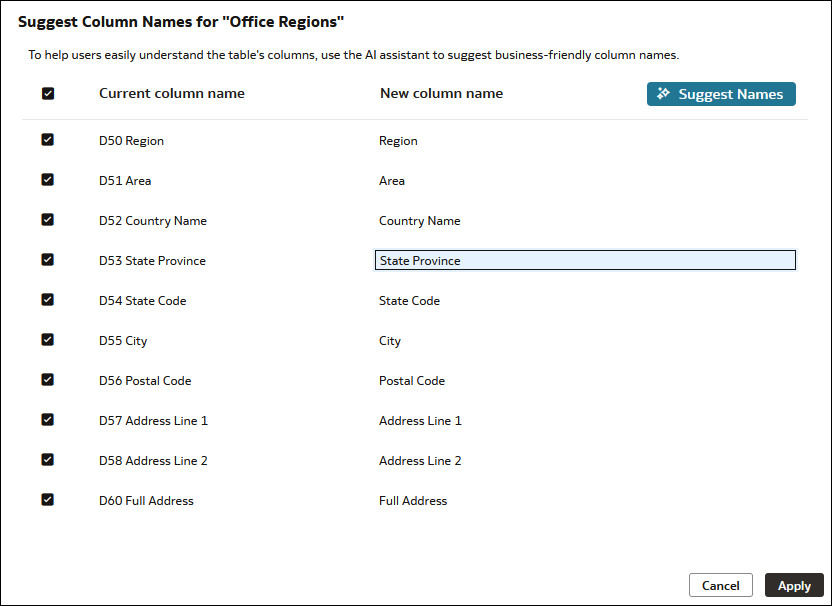
. - In Suggest Column Names, deselect any columns you don't want to rename. Click Suggest Names.
- Optional: Click a column's suggested new name to modify it.
- Click Apply, and then click Save.