Configure the Insights Panel Layout for View Mode
Choose whether the Insights panel overlays workbook content or is docked beside it when you open a workbook in View mode.
This setting doesn't apply to how the Insights panel opens in the workbook editor, it only applies to View mode.
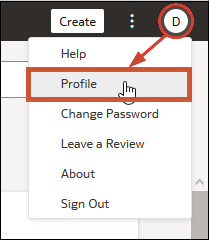
- On your home page, click your user name or name badge with your initials, then click Profile.