Delete Dashboard Pages
You can delete the current dashboard page, or one or more dashboard pages.
For example, you can delete pages 2 and 3 from the Sales Performance dashboard to retain only the page with the most recent Brand Revenue analysis.
You can delete one or more dashboard pages:
- Open the dashboard for editing.
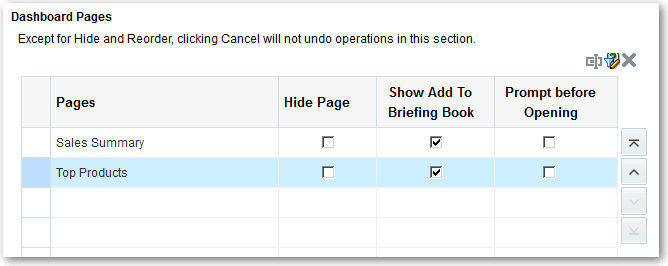
- Click Tools and select Dashboard Properties.
- For each page to delete:
- On the Dashboard Pages toolbar, click Delete.
- Click OK.