Make Dashboard Sections Collapsible In Accessibility Mode
Use dashboard properties to enable dashboard users to collapse and expand sections of a dashboard.
- Open the dashboard for editing.
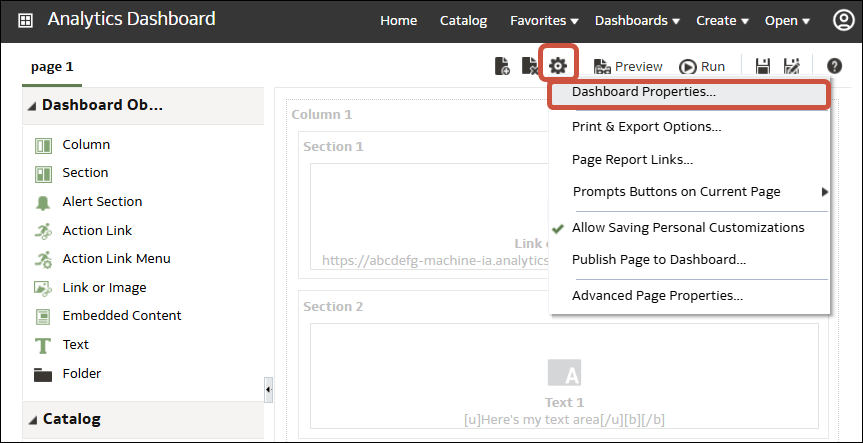
- Click Tools and select Dashboard Properties.
- Select Section Collapsible in Accessibility Mode.
- Click OK, then click Save.