Manage Canvas Layout Templates
You can configure the settings for canvas layout templates in the Console.
You must have the Manage Layouts, Themes, and Images permission to configure these settings. Your administrator manages permissions.
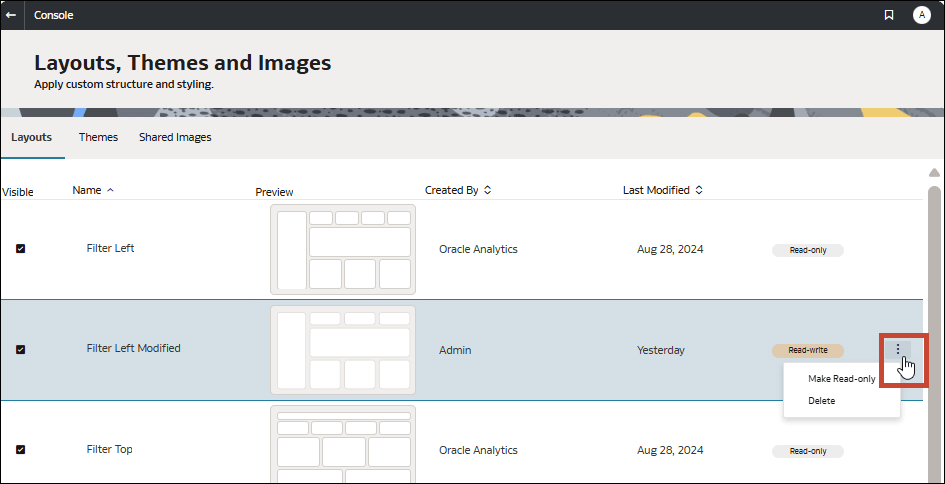
- Show or hide a layout template: Select the Visible checkbox to make the template available for other authors to select when creating a canvas. Deselect Visible to hide the template from authors.
- Allow or prevent layout template deletion: Select Make Read-only to stop anyone from deleting the template. Select Make Read-write to allow the template to be deleted.
- Delete a layout template: Click Delete to permanently delete the template. Any canvases using the template keep their formatting but the template itself isn’t available anymore.
You can’t configure these settings for the Filter Left and Filter Top ready-to-use templates.
- On your home page, click Navigator
 , and then click Console.
 - Click Layouts, Themes and Images.
- Click Layouts and select or deselect Visible to show or hide the layout from authors.
- Click the menu for a layout and select an option.