Quick Start to Using Data Actions
Use data actions to navigate around Oracle Analytics workbooks, visualizations, canvases, and to external websites.
Get started:
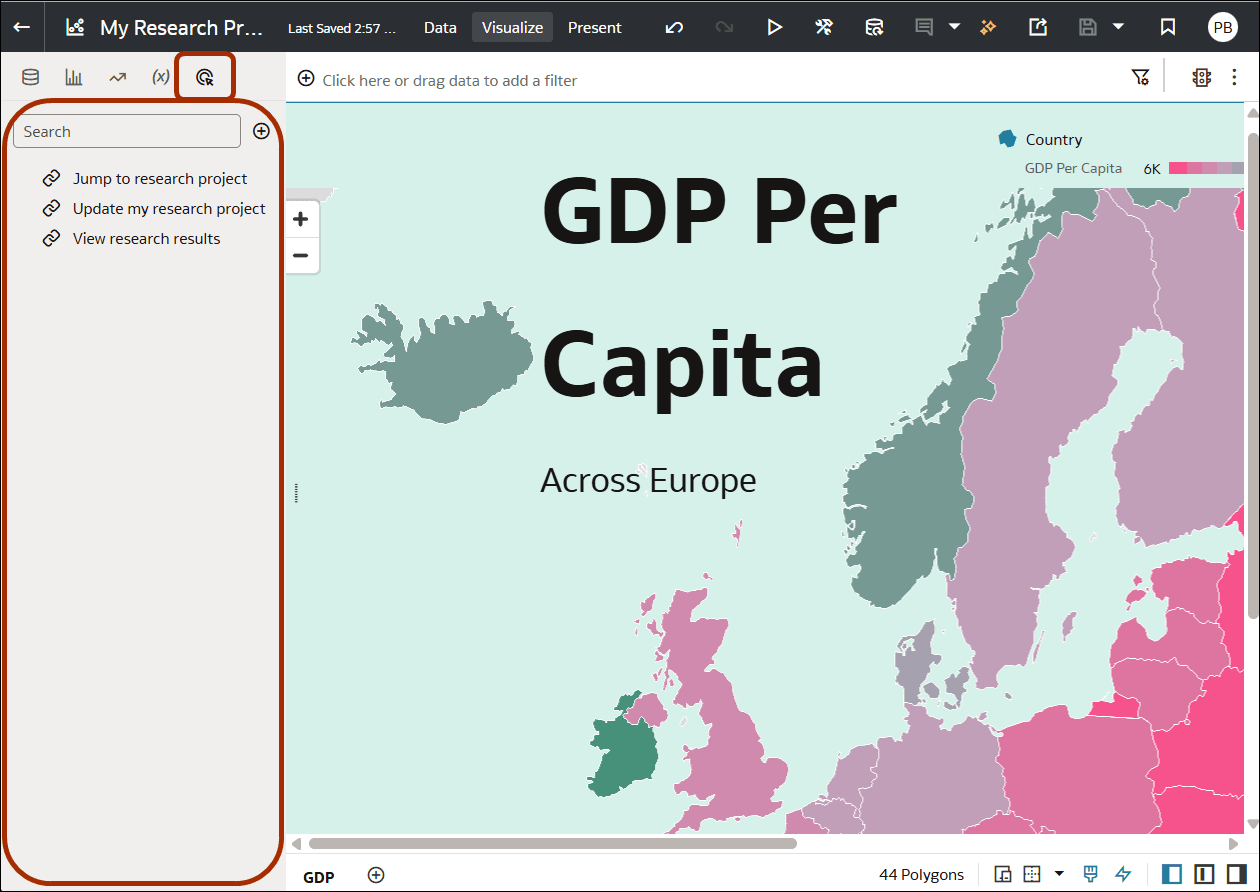
- In the workbook editor, you manage data actions on the Actions pane in the Data Panel.
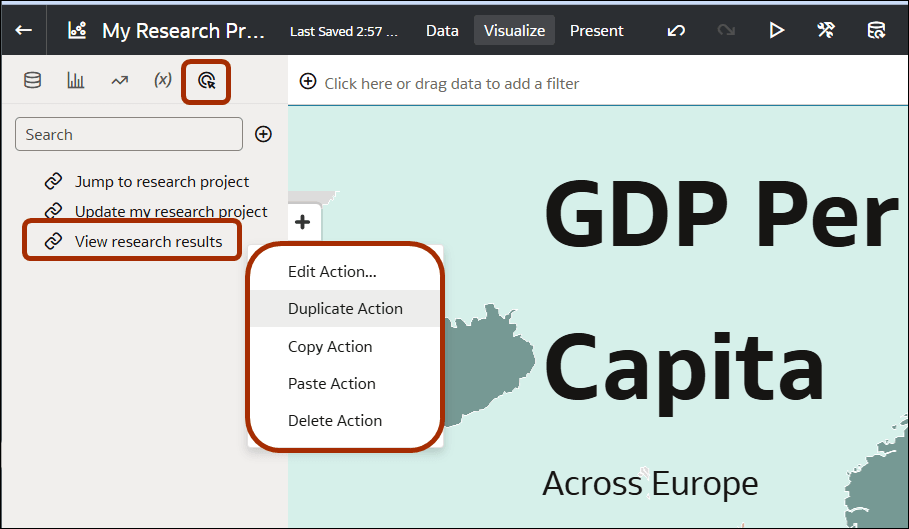
- Right-click on existing data actions to access the options for managing them.
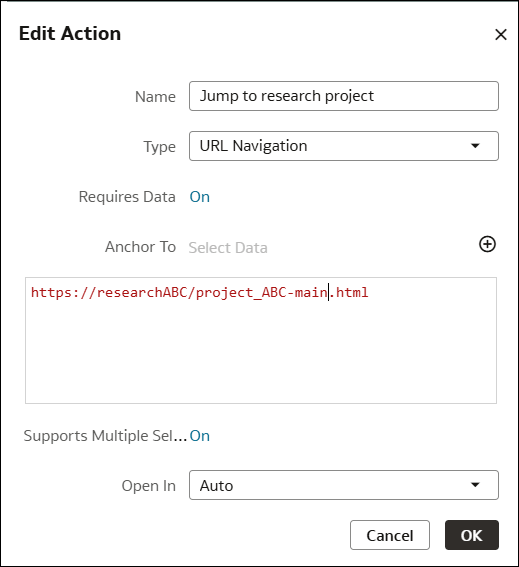
- You can change the details for an action using the Edit Action option.
- Workbook designers can also add data actions to Text Box and Image visualizations.
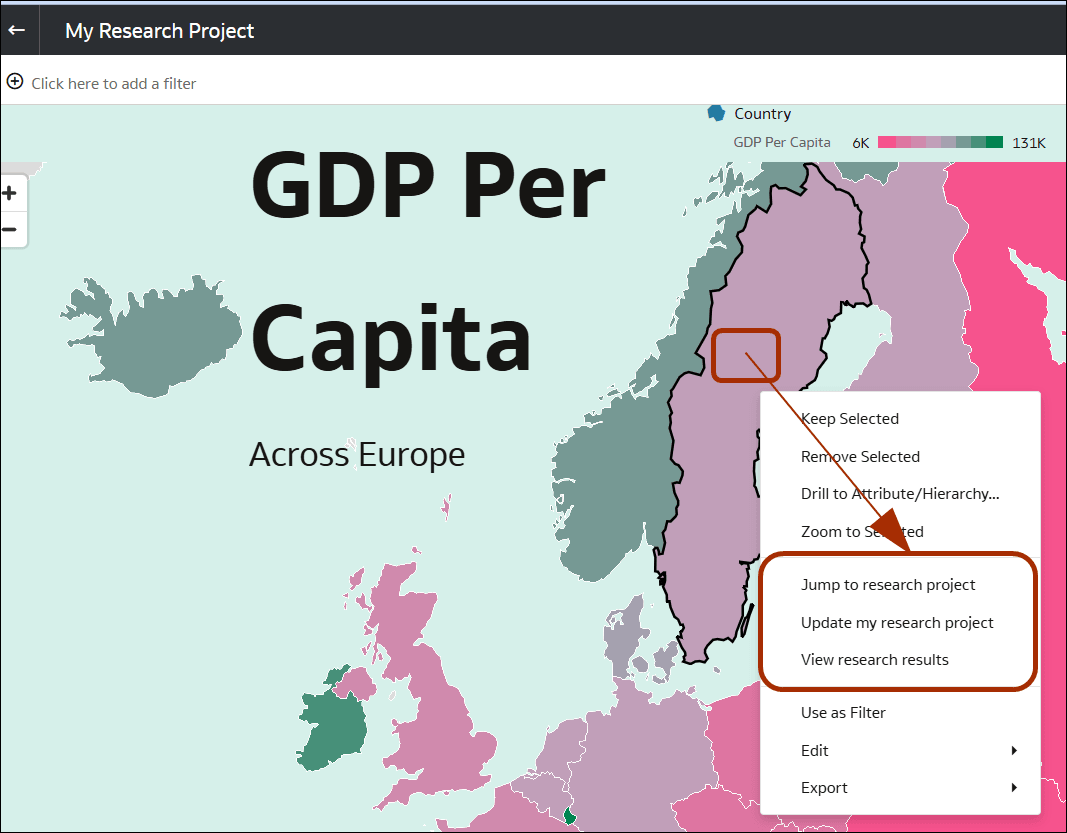
- Workbook users can access actions by right-clicking on data points or visualizations such as Text Box or Image with data actions attached.