Specify Values for Filters
You can specify the values for a filter that displays in an analysis only those values in which you’re interested.
For example, in the Brand Revenue analysis, a filter can limit the analysis results to only the first quarter values in three years. As a result, you can discover how revenue performed year-to-year in these quarters.
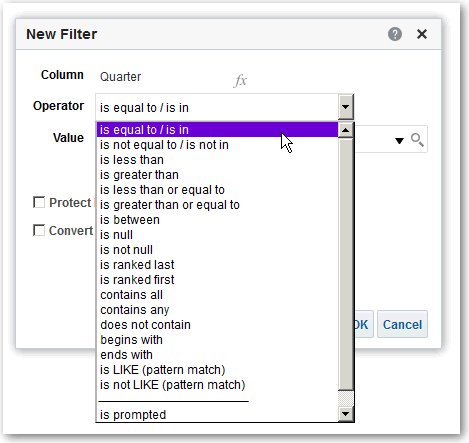
- In the New Filter dialog, select the appropriate operator such as is equal to / is in.
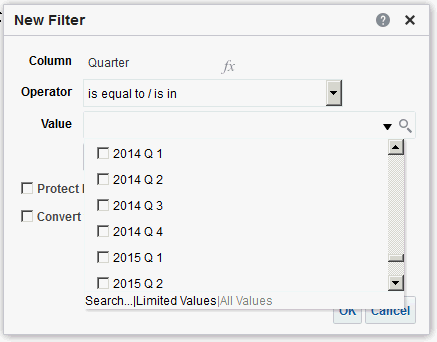
- Select values from the list or click the Search icon to find more values from which to select.
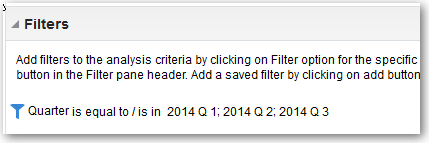
- For inline filters, the filter is displayed in the Filters pane on the Criteria tab.
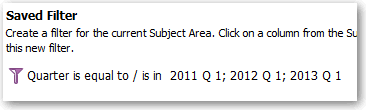
- For named filters, the filter is displayed in the Saved Filters pane.
After specifying values, save the filter as named or inline.