About Time Zones
Oracle Analytics provides time zone support for both subject areas and datasets so all users can view the values for columns with a DateTime or timestamp data type in the right time zone in workbooks.
For example, suppose you have a table visualization showing the product sales for each order date where the Order Date column has a data type of DateTime. The Order Date values in the table display their timestamp based on how the time zone settings are configured.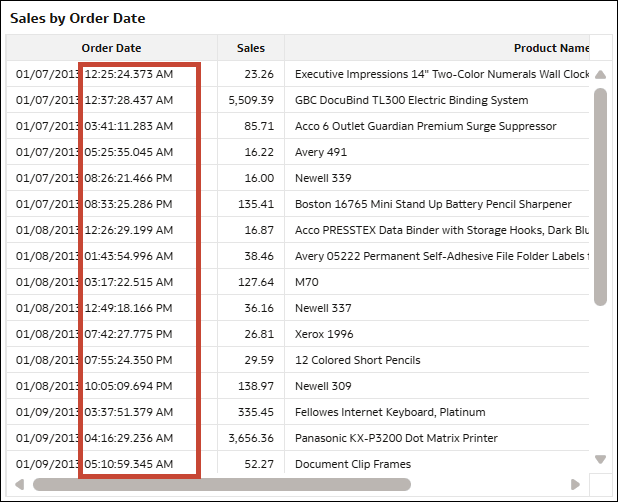
Description of the illustration time_zones_example_gmt-3.png
- The time zone for all subject areas is set by your administrator in the Console. For information about time zone settings managed by administrators, see Time System Settings.
- The time zone for a dataset is set individually by the dataset owner. See Set the Time Zone for a Dataset.
- You set your preferred time zone in your user profile. See Set Your Preferred Time Zone.
Administrators can also configure additional time zone system settings in the Console to apply a default time zones to users.
In order for a time zone shift to apply in a workbook, both the time zone of the source data and the time zone you as a user want to view it in must be defined.