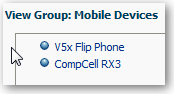
View Group Contents
You can view the contents of a group to verify that it contains the members that you want.
For example, suppose you created a group of categories in a Product Category column. You can view the group contents to verify that it contains the appropriate categories.
- Select View Group Definition.