Workflow for an AI-assisted Self-Healing Robot
In this example, an organization uses an AI-assisted self-healing robot to automate a login process.
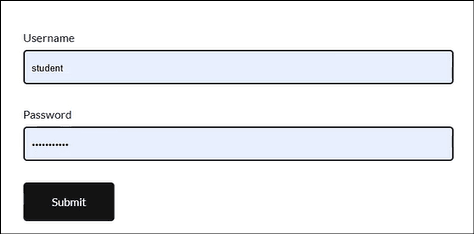
The robot enters the username, password, and submits the login form. When UI changes occur (for example, the Submit button label changes to Login), the AI-assisted self-healing capability ensures that the robot continues to function without failure by automatically correcting XPath issues.
Scenario
A robot performs the following tasks for the login workflow:
- Enter the username in the Username field
- Enter the password in the Password field
- Click the Submit button to log in
- Handle UI changes (for example, Submit button renamed to Login) using AI-assisted self-healing
- Generate AI recommendations which can be verified and applied at design time to create a new version of the robot