Access Graph Studio Using Oracle Cloud Infrastructure Console
You can access the Graph Studio application from the Oracle Cloud Infrastructure Console as shown in the following steps:
-
Sign in to Oracle Cloud.
-
Select an Autonomous AI Database instance.
This opens the Autonomous AI Database details page.
-
Click on Tool configuration tab.
-
Copy the Public access URL for Graph Studio.
Graph Studio access URL gets copied to the clipboard.
-
Paste the URL in your browser to launch the Graph Studio application.
Note: If you are already logged in to a built-in tool with single sign-on on your Autonomous AI Database instance, you can access Graph Studio directly without entering your login credentials.
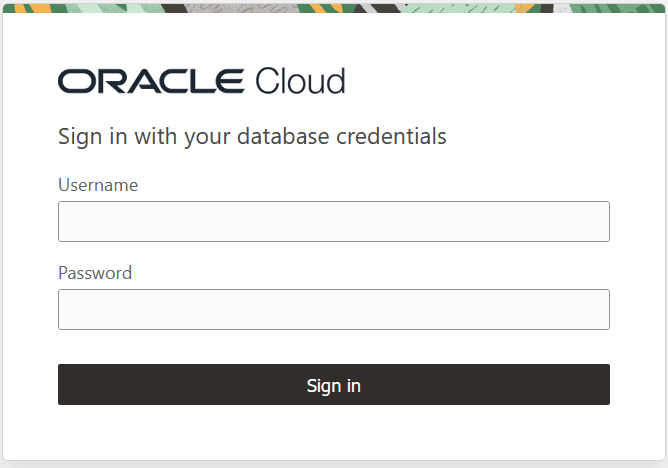
The login screen opens as shown:
-
Enter your graph enabled Username and Password and then click Sign in.
You are now connected to Oracle Autonomous AI Database using Graph Studio.