Jump to a Paragraph
You can jump to a specific paragraph inside a notebook.
-
Navigate to the Notebooks page and click open the required notebook.
-
Click Jump to paragraph on the top left of the notebook toolbar at the top of the page.
A drop-down menu listing all the paragraphs in the notebook opens as shown:
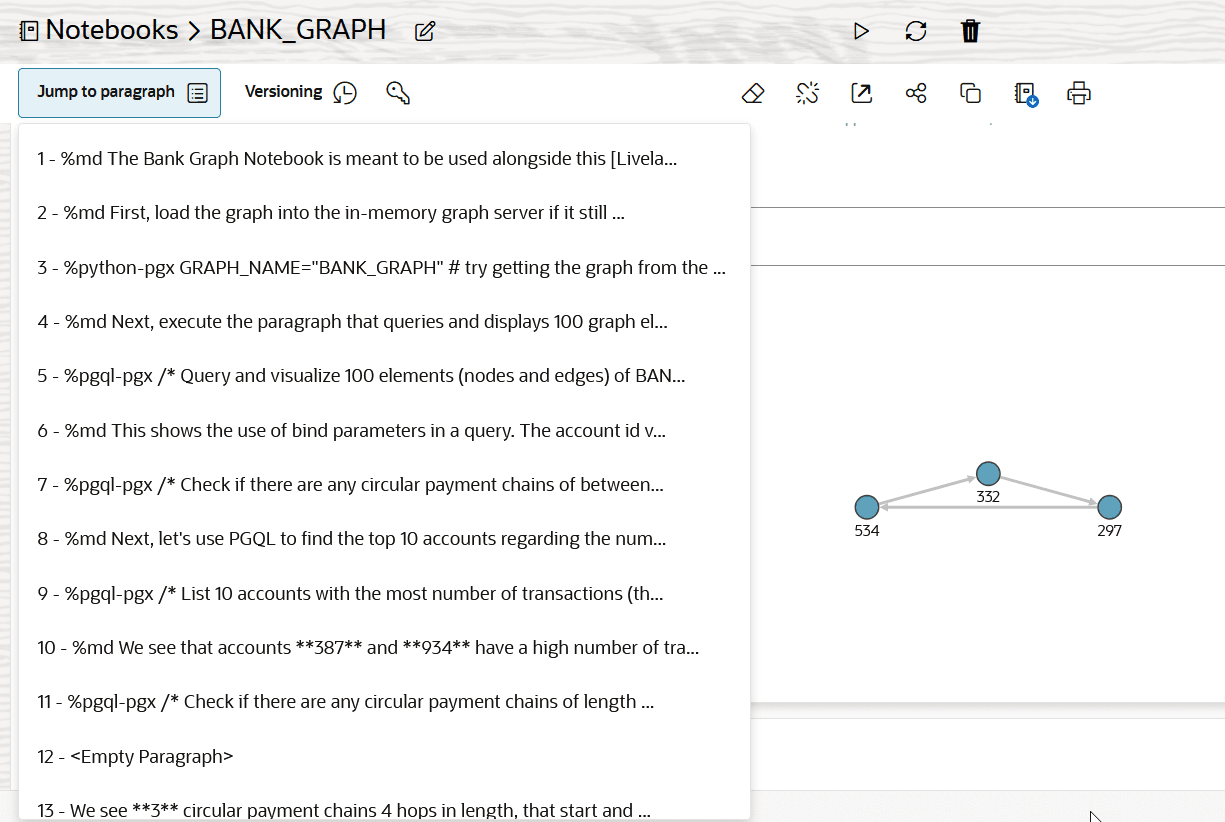
Description of the illustration jump_to_para.png
Note that each paragraph is displayed by its title. If a paragraph is untitled, then a snippet of the first line of code or a placeholder (
<Empty Paragraph>) is displayed. -
Select the desired paragraph from the drop-down menu.
The control shifts to the selected paragraph.