Manage the Graph Display Size
You can use the Initial Display Size visualization setting to control the number of graph elements (vertices and edges) to be displayed in the graph visualization panel.
The default Initial Display Size value is 100. For instance, consider the following example visualization:
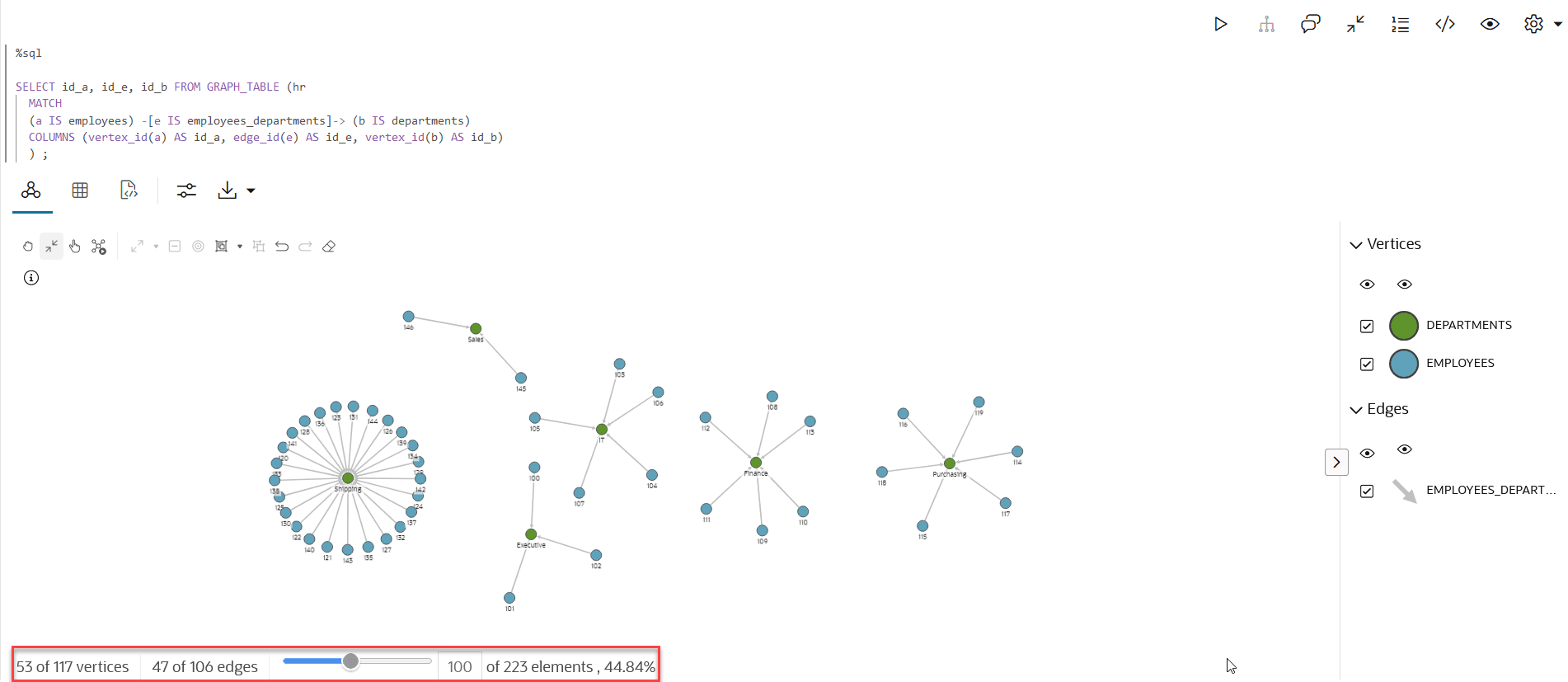
Description of the illustration graph_viz_display_slider.png
In the preceding figure, the graph display size (shown highlighted) shows that:
-
55 vertices out of the total 117 vertices are displayed.
-
47 edges out of the total 106 edges are displayed.
-
100 graph elements out of the total 223 elements are displayed.
-
The progress bar shows the percentage of the graph that is displayed in the panel along with the percentage value.
You can move the slider to dynamically change the number of vertices or edges that you wish to display for visualization.