How to Access the Jobs Feature?
Navigate to the Oracle Autonomous AI Database Data Studio, launch the Jobs feature, and start running it.
Follow these steps:
-
Define the tasks you want to run:
-
Create a Data Load Job
-
Create a Table AI Assist Recipe
-
Create the PL/SQL Procedure you want to run
-
Obtain the parameters to run a REST call
-
-
On the Launchpad, click Data Studio and select the Jobs menu.
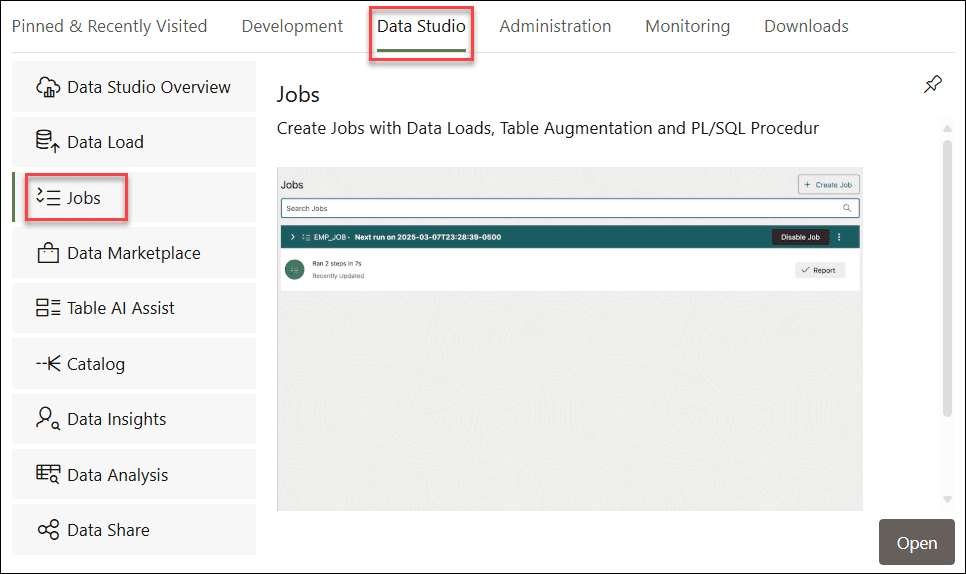
Description of the illustration launchpad-jobs.png
You can automate the tasks you define in Step 1 with Jobs feature.