Changing the Pitch and Bearing of a Map
You can set the pitch and bearing of a map by tilting or rotating your map in the map visualization panel.
-
Navigate to the Active Project page where the desired project is displayed.
-
Click and drag the right mouse button if you wish to tilt the map.
-
Click and rotate the right mouse button if you wish to rotate the map.
The following example shows a tilted and rotated map:
Figure 1: Tilting and Rotating of a Map
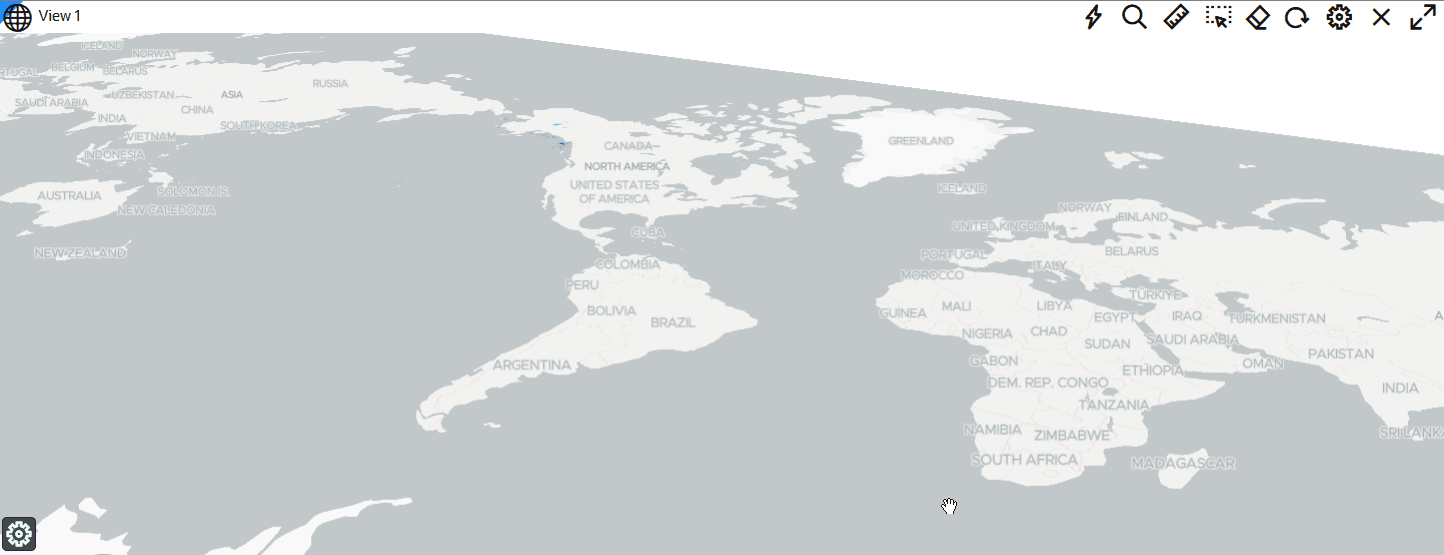
Description of the illustration tilted_map.png
- Optionally, click Save to save the project with the new pitch and bearing settings.