Configure Spatiotemporal for OGC WMS Datasets
Perform the following steps to configure spatiotemporal for an OGC WMS dataset.
-
Navigate to the Datasets page.
-
Right-click on the required OGC WMS dataset and click Properties.
The Dataset Properties dialog opens.
-
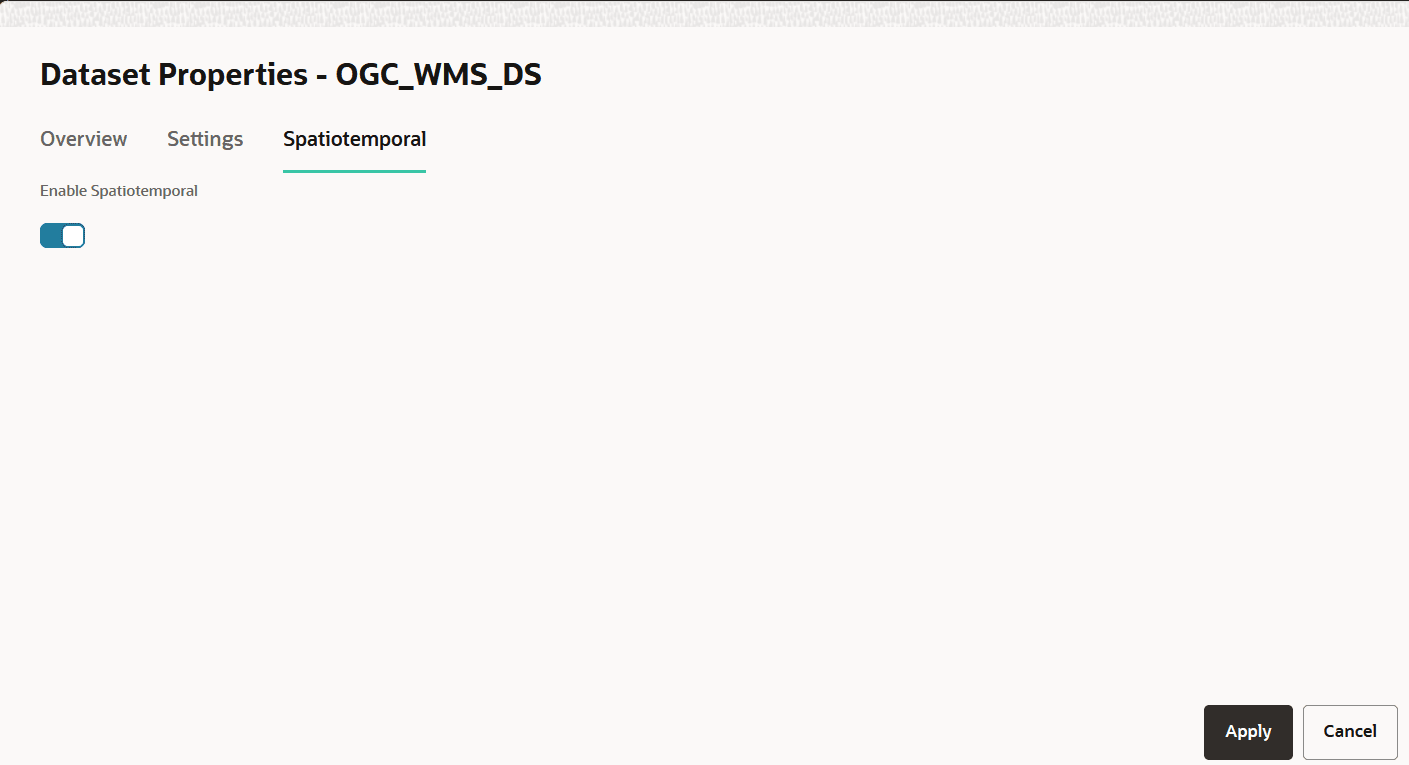
Click the Spatiotemporal tab.
The following dialog is displayed:
-
Switch
ONEnable Spatiotemporal. -
Click Apply.
Your dataset is now enabled for spatiotemporal data visualization.
Related Topics