Configure Zip Upload Settings
Spatial Studio allows you to create datasets by uploading zip files. As a Spatial Studio administrator, you can set the size limits for these zip files.
Perform the following steps, to change the zip upload settings.
-
Navigate to the Console page.
-
Click General under Settings.
The General slider opens.
-
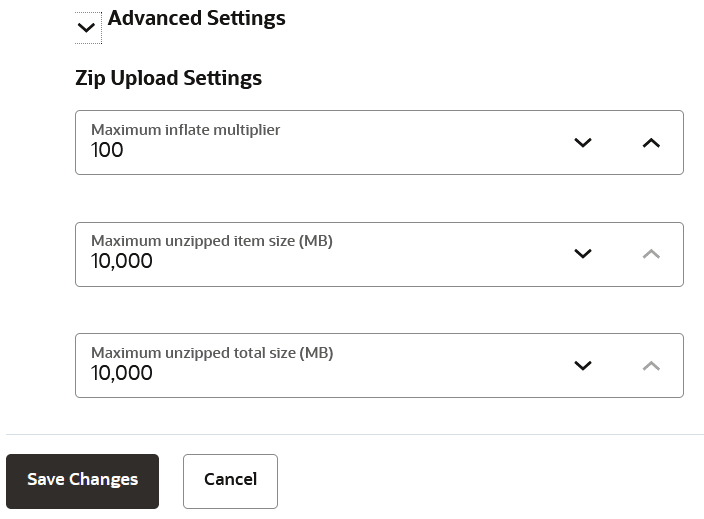
Click the Advanced Settings collapse icon to open the Zip Upload Settings as shown:
-
Change any of the following default configuration options as required.
- Maximum inflate multiplier: Maximum allowed multiplier when inflating files.
- Maximum unzipped item size (MB): Maximum size for an item in the zip file.
- Maximum unzipped total size (MB): Maximum size of the zip file (with all the entries unzipped to the disk).
-
Click Save Changes.