Create a Compute Environment
You can configure a new compute environment in Spatial Studio.
-
Navigate to the Console page.
-
Click My compute environment under Settings.
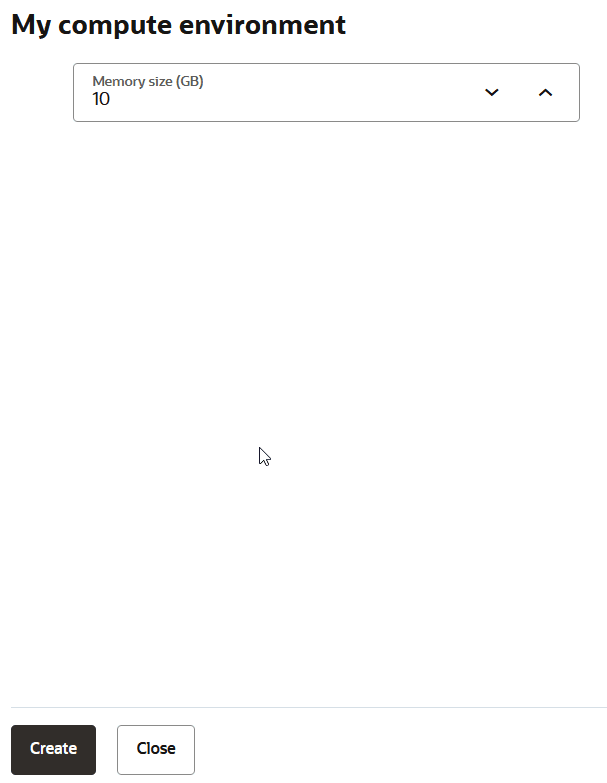
The My compute environment slider opens as shown:
-
Optionally, adjust the Memory size in GB.
The default value is 10 GB.
-
Click Create.
Spatial Studio gets attached to the newly created compute environment. The Attached status is displayed in green on the top right of the header.
It is recommended that you reload the application page to ensure consistency with the newly established configuration.