Create a Dataset from Database Tables or Views
You can create a dataset from tables and views on your Autonomous AI Database instance.
Perform the following steps to create a dataset using the default database connection:
-
Navigate to the Datasets page.
-
Click Create Dataset.
The Create Dataset window opens.
-
Select the Database table/view option.
-
Select the default connection from the Select Connection drop-down.
-
Click Create.
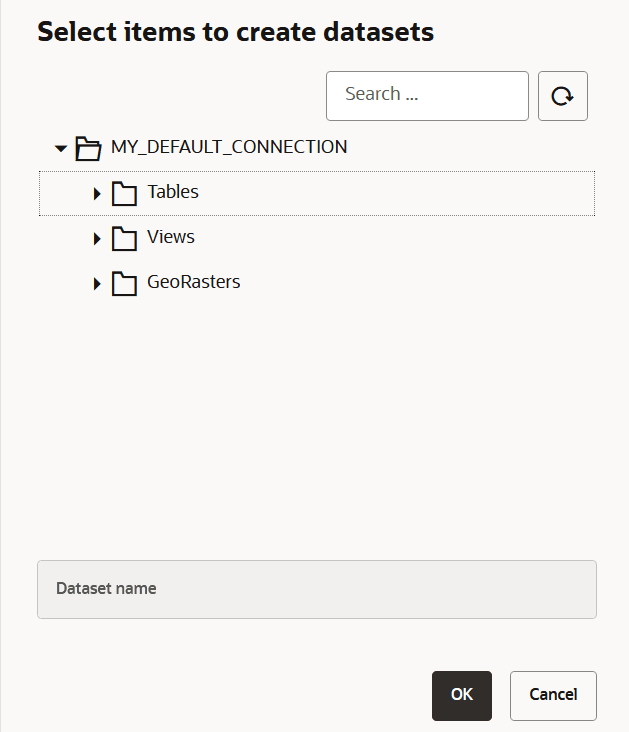
The Select items to create datasets window opens listing all the tables, views and GeoRaster data present in the database.
-
Enter a Dataset name.
-
Select an item from the list and click OK.
Tip: You can also use the Search box to quickly locate your table. This is especially useful or even necessary if your database connection has many tables, as the drop-down list only shows up to 500 tables or views.
The new dataset is added and listed on the Datasets page.