Edit a Custom Basemap
The following steps enable you to edit a custom basemap.
-
Navigate to the Console page.
-
Click Basemaps under Settings.
The Basemaps window listing all the available basemaps opens.
-
Click
 against the required custom basemap and click Edit from the context menu.
Note: Edit is disabled for predefined Spatial Studio maps.
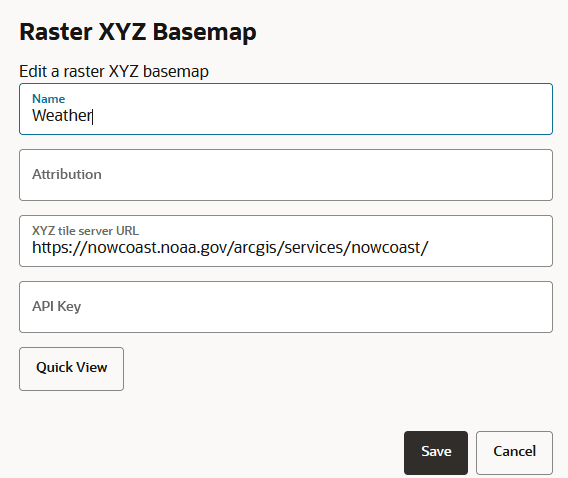
The custom basemap configuration details are displayed for editing as shown:
-
Modify the required parameters, such as Name, Attribution, URL or API Key.
-
Click Save.
The custom basemap details are modified and the updates are shown in the Basemaps window.