Enable Wind Animation For an Existing GeoRaster Dataset
You can enable wind animation for an existing GeoRaster dataset only if the raster image is encoded with the red (R) and green (G) channels representing the x and y velocities, respectively.
-
Navigate to the Datasets page.
-
Right-click on the required GeoRaster dataset and click Properties.
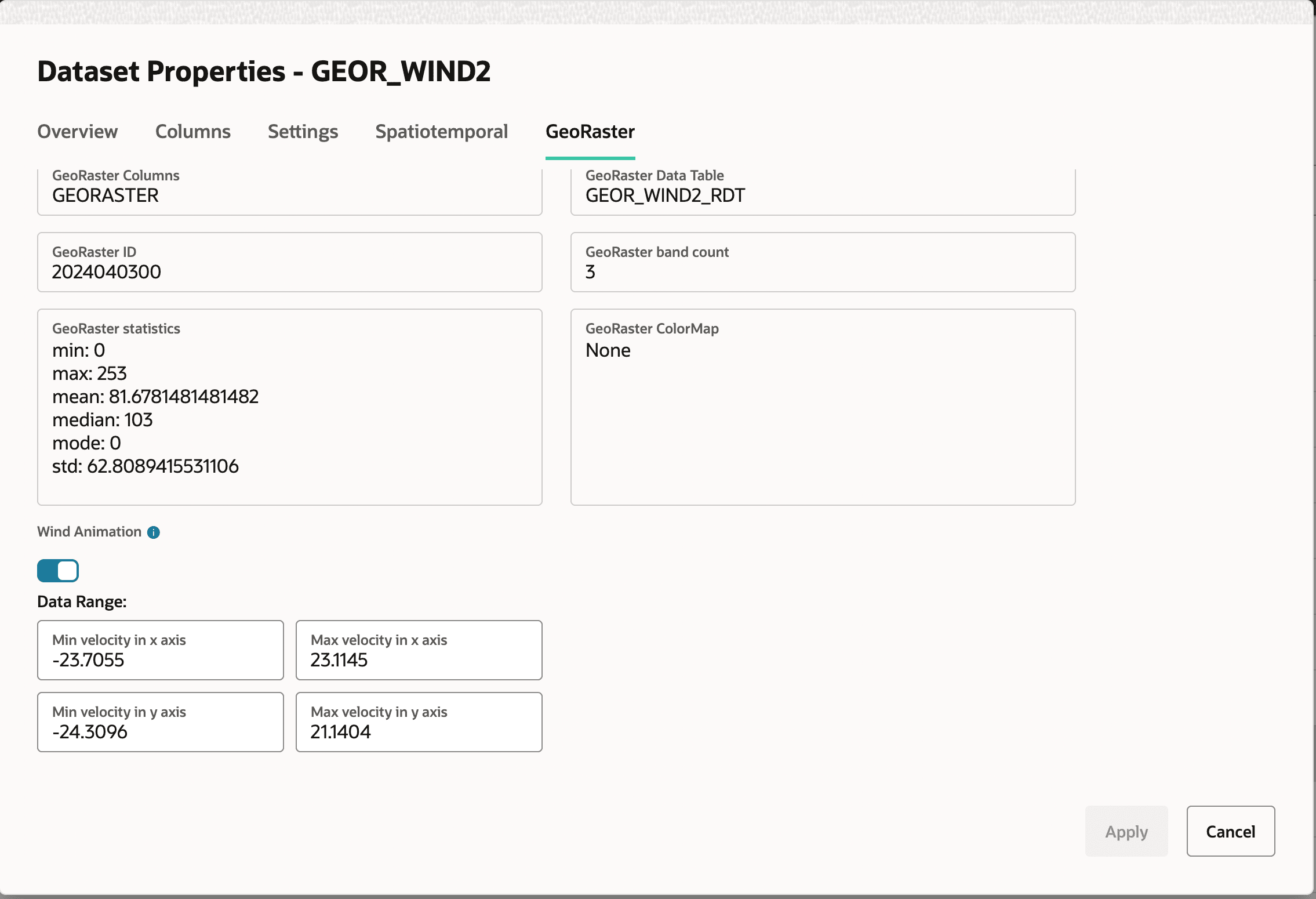
The Dataset Properties dialog opens as shown.
-
Click the GeoRaster tab.
-
Switch
ONthe Wind Animation toggle. -
Optionally, modify the following Data Range values: Min velocity in x axis, Max velocity in x axis, Min velocity in y axis, and Max velocity in y axis.
-
Click Apply.