Set Cache and Dataset Files Upload Size Limits
You can enable and configure the in-memory cache of your Spatial Studio objects. In addition, you can define the size limit for dataset files uploaded in Spatial Studio.
-
Navigate to the Console page.
-
Click Configuration File under Settings.
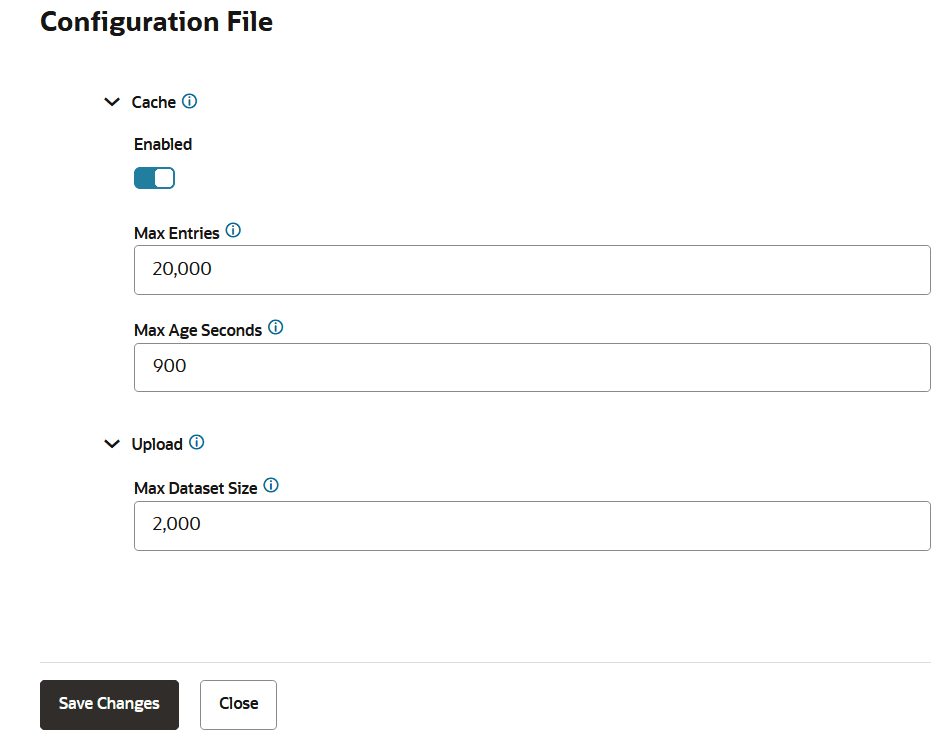
The Configuration File slider opens.
-
Perform the following actions as applicable.
-
To enable and configure Cache Size
Set the following options as required:
- Enabled: Toggle to switch ON or OFF the caching of vector tiles. By default, cache is enabled.
- Max Entries: Maximum number of entries to be cached. Default value is 20,000 entries.
- Max Age Seconds: Maximum time (in seconds) since the last update after which an entry will be removed. Default value is 900 seconds.
-
To configure Dataset Files Upload Size
Set Max Dataset Size which determines the maximum combined size of dataset files allowed in an upload request. Default value is 2000 files.
-
-
Click Save Changes.