Update Statistics for Datasets
The Update statistics feature in Spatial Studio gathers statistics of the dataset columns.
To gather the dataset statistics, right-click on the dataset and select Update statistics. For all datasets (except view-based and spatial analysis datasets), this action triggers a single background job which collects the relevant statistical data. Once the job completes successfully on the Jobs page, you can verify the updated statistical data by viewing the Dataset Properties.
However, for view-based and spatial analysis datasets, gathering statistics is a two-step process. It implies that two background jobs are triggered:
-
Gather dataset statistics [basic]: This job collects the basic statistics such as Name and DataType of columns in a dataset. When this job completes successfully, the job in step-2 is triggered.
-
Gather dataset statistics [full]: This job collects more detailed statistics such as Minimum Value, Maximum Value, Bounding Box, and unique column values. As long as this job is in the
Processingstatus, the view-based dataset may show incomplete information for the Minimum Value and Maximum Value columns in the Dataset Properties dialog: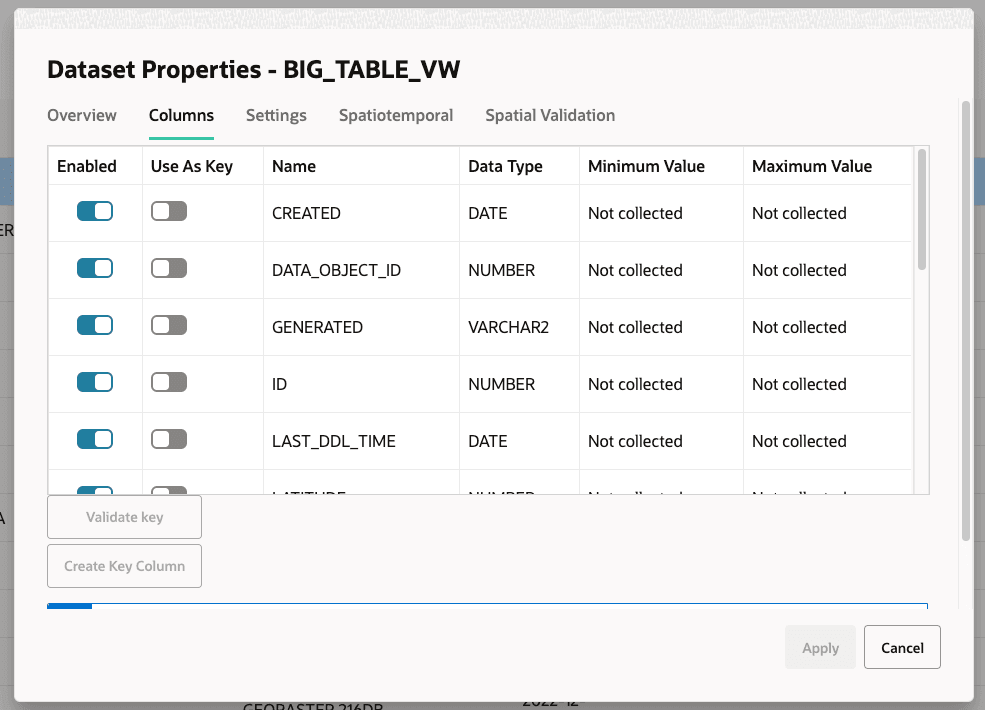
Description of the illustration view_ds_without_stats.png
Once the job status is
Done, the Dataset Properties reflects the gathered statistics.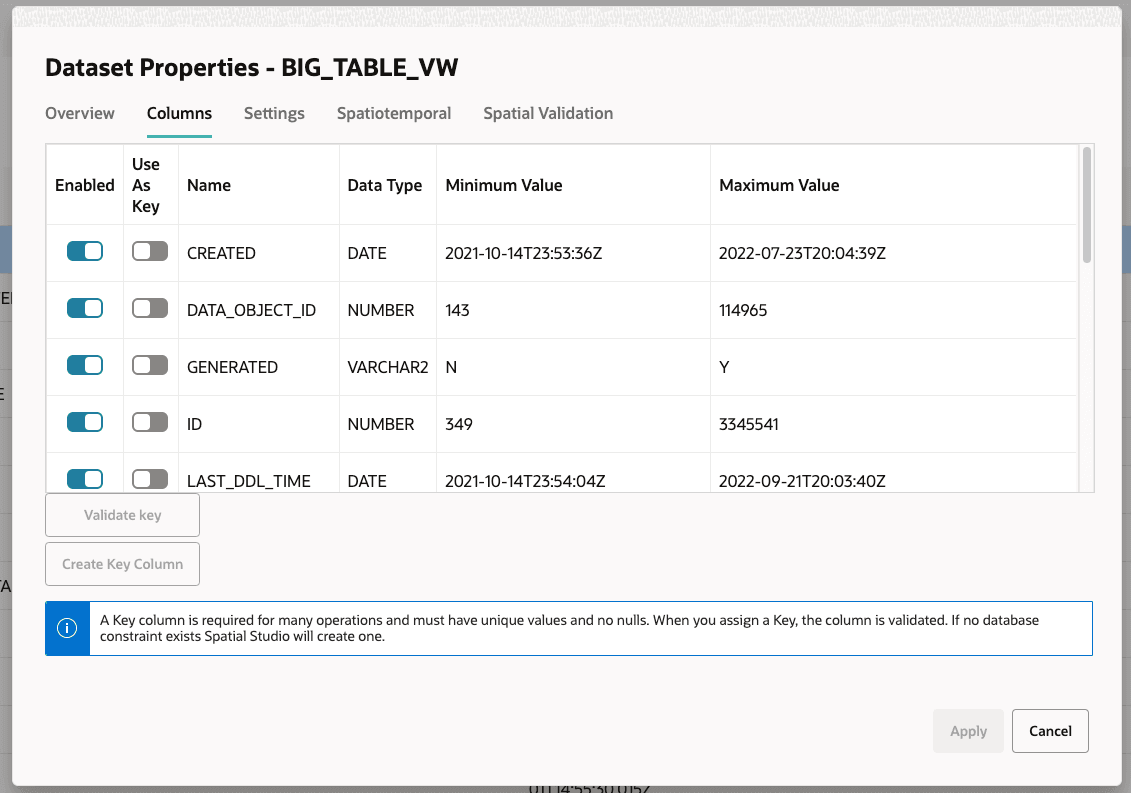
Note that for any type of dataset, you must always ensure that this background job completes successfully before performing advanced styling or visualization of a dataset.