Re-Ordering a Container’s Content
Besides defining new cases and sections for a container, you can also change the order the sections are displayed in the container. Just use the Move Up and Move Down arrows for the section under Sections:
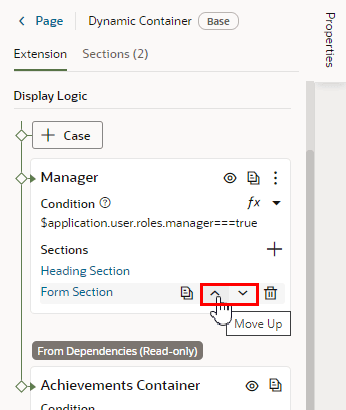
Description of the illustration dyncontainer-pi-reorder.png
You can also use the  icon to remove a section from a case. Once removed from a particular case, the section is still available to use in other cases.
Note: You can’t change the section order or edit the contents of cases set in a dependency, but you can duplicate the cases and reorder the sections in the copy.