Work With Containers and Sections
Some pages use containers to display various types of content. Containers are pre-defined areas in a page that let you display content grouped into logical regions called sections. These sections are displayed within containers, which you can use to rearrange the content already placed there. You can also add and remove sections within containers.
Here’s an example of a page that has a foldout-style container with four sections next to each other, each displaying different content:
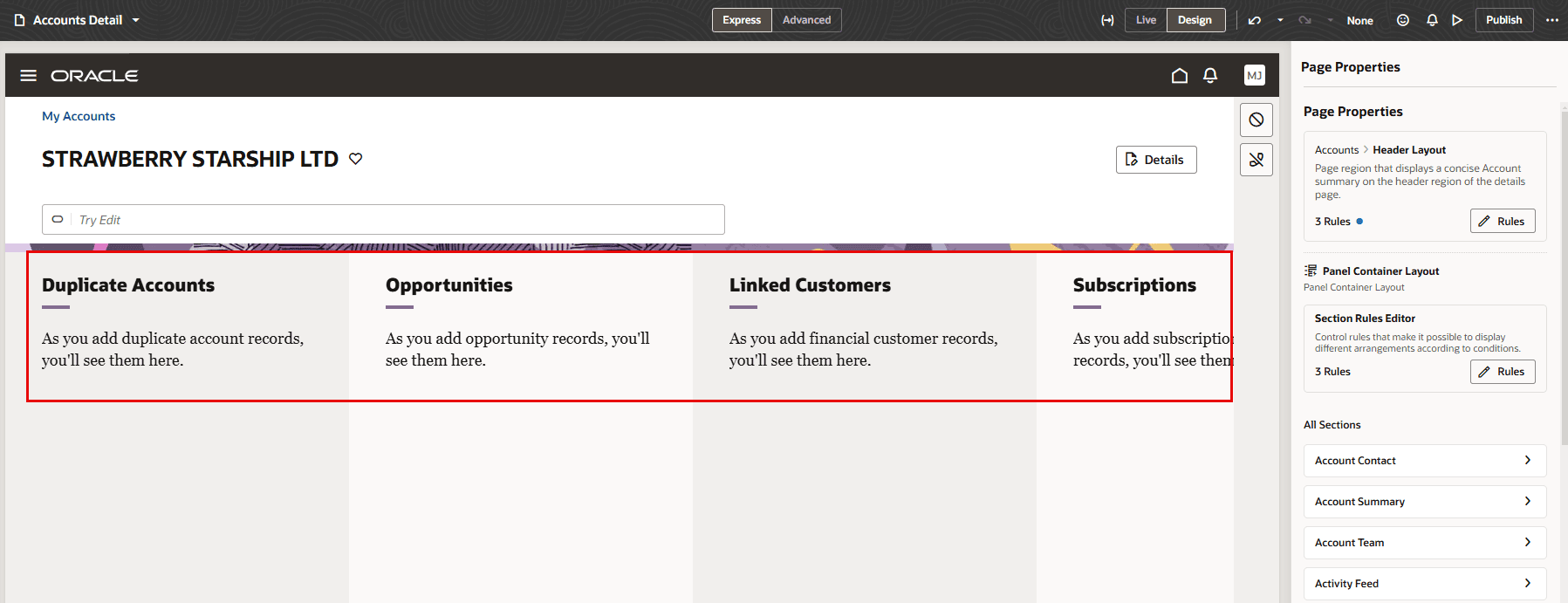
Description of the illustration metadata-container.png
Now let’s look at how to configure the sections displayed in a container.