Reorder Fields in Regions
Some pages that use business rules will allow you to reorder fields within a region. When this option is available, the Business Rules pane shows a Reorder Fields button.
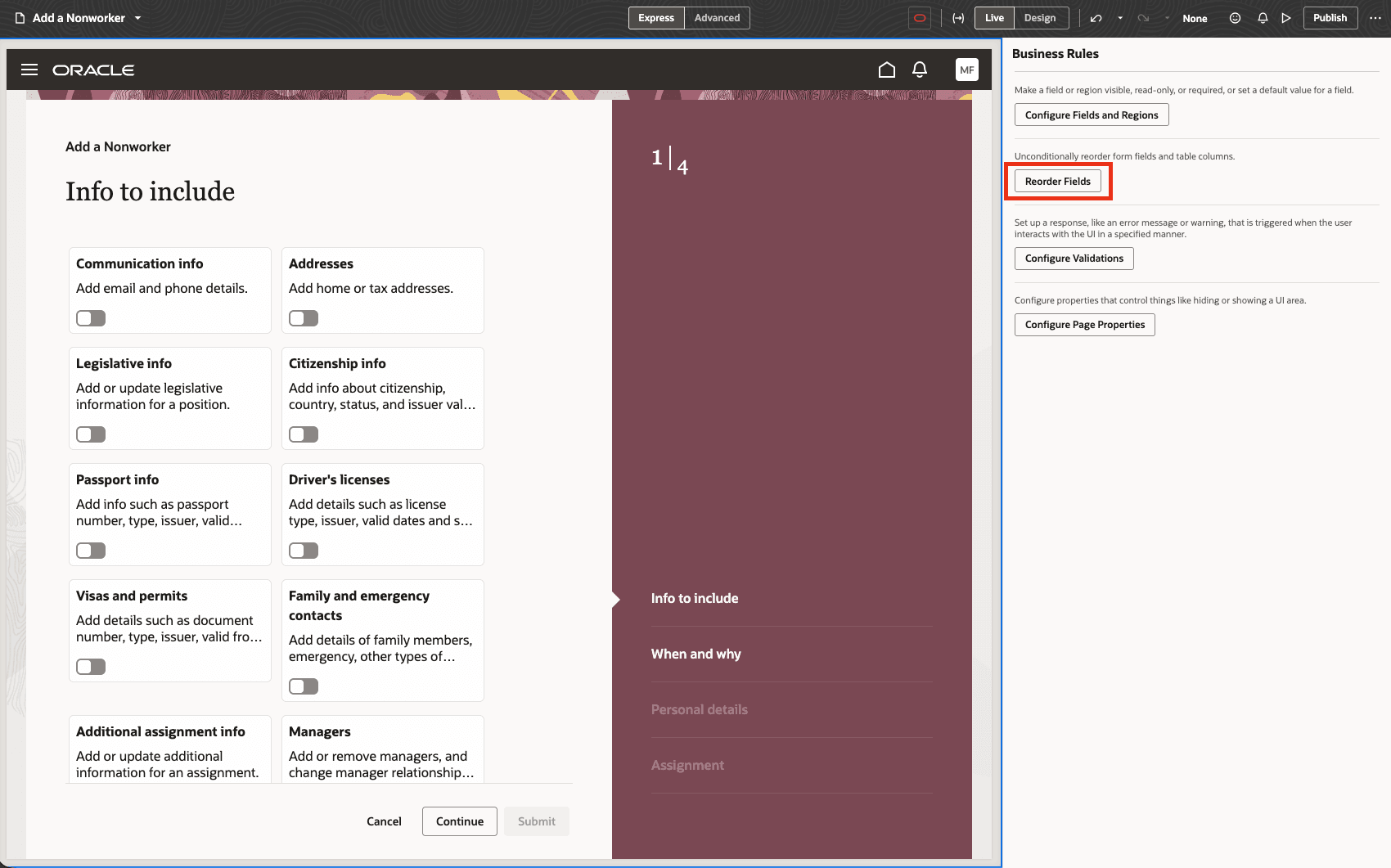
Note: If you don’t see Reorder Fields, the page isn’t configured to support this option.
The Reorder Fields option is available only for pages that include the metadata required to allow field reordering. It changes the order of fields within regions in the virtual layout; it doesn’t add, remove, hide, or set properties for fields. To control which fields and regions are displayed at runtime, use Configure Fields and Regions.
Note: Polymorphic fields can’t be reordered.
To reorder fields:
- Open the page you want to modify in the Designer.
- In the Business Rules pane, click Reorder Fields.
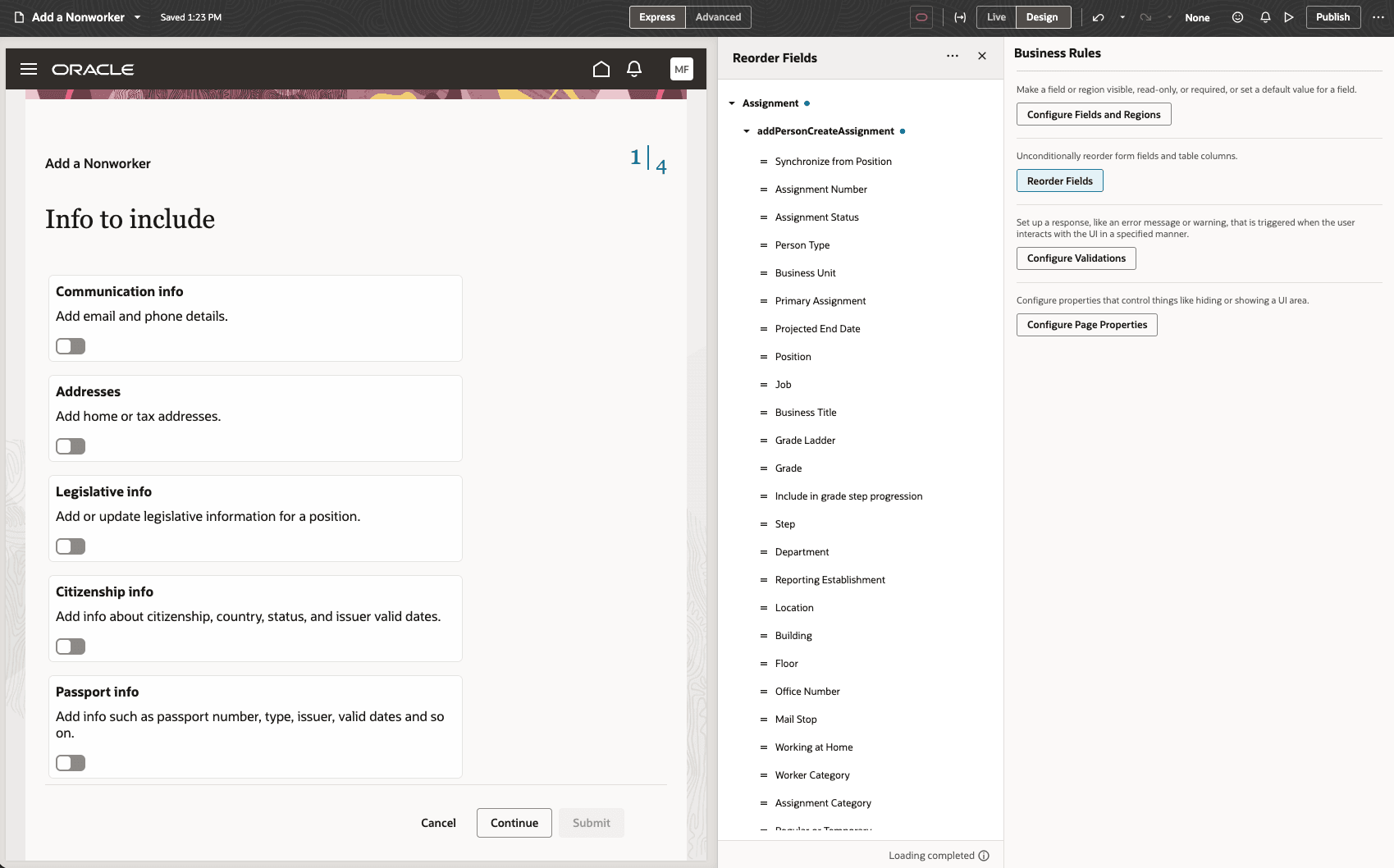
- In the reorder fields editor, select the region whose fields you want to reorder.
- Drag fields into the order you want.
VB Studio automatically saves your work for you, so there’s no need to do so explicitly.