Open a Project
You can open a project only if you’re a member or an owner, or if the project is shared. To open a project, click its name as it appears on the Organization page. To search for a project, use the filter toggle buttons or the search box:
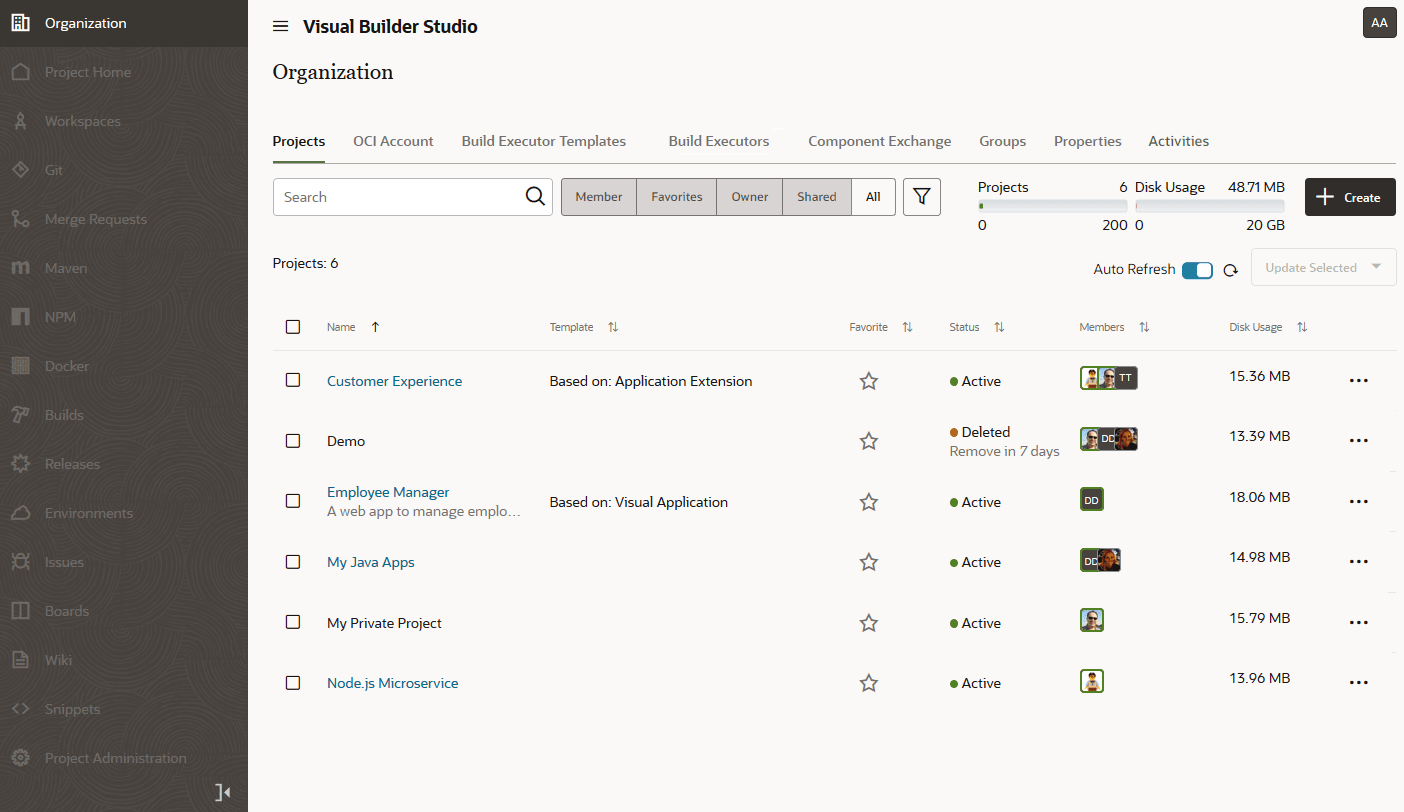
Description of the illustration organization-admin1.png
To quickly access a project, click Favorite  and add it to your favorites list. To see your favorite projects, click the Favorites toggle button.
If you’re invited to join a project, you’ll find the project link in the email you received when you were added to the project.
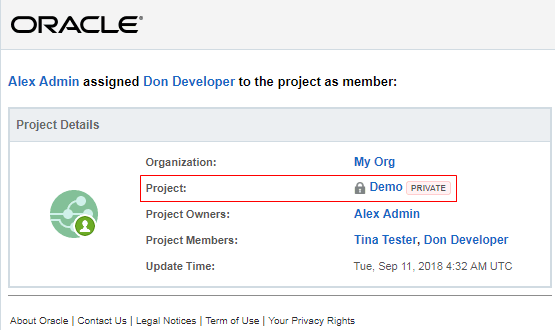
Description of the illustration devcs-user-invite-email.png
To switch to another project from an open project, click  next to the project name. From the menu, click the project name to open it.
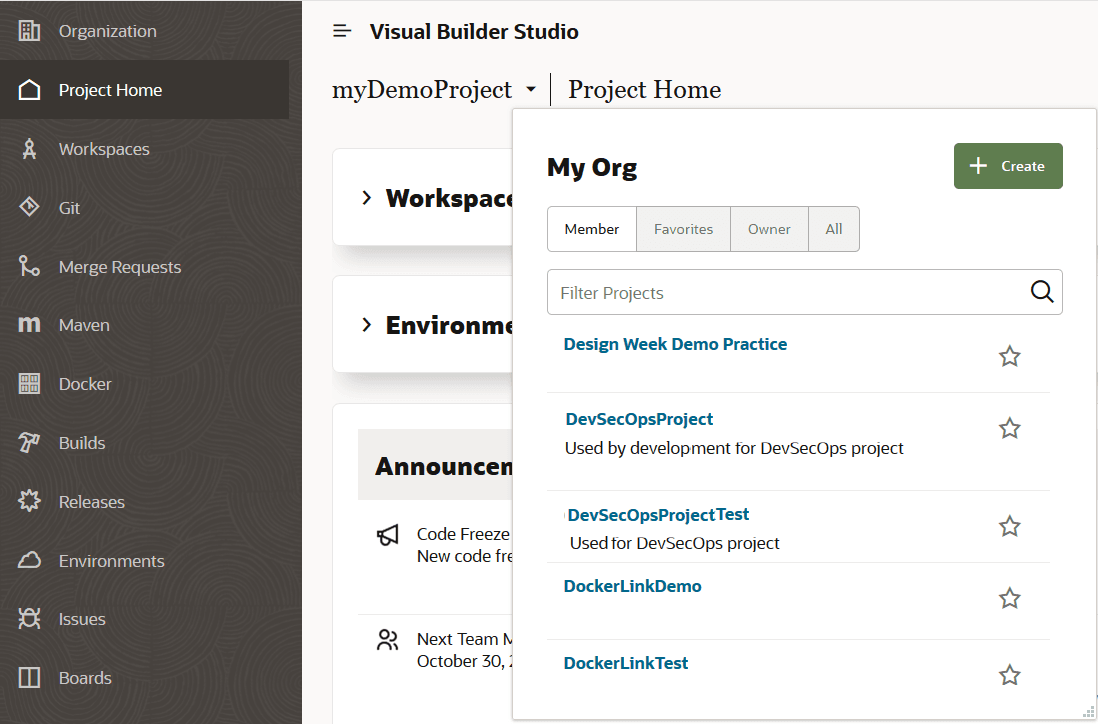
Description of the illustration devcs-switchproject-menu.png
After opening the project, you land on the Project Home page.